How to Check Store Sales Reports Remotely (Even While on Vacation!)
Read also: Complete Warehouse Stock Opname Guide: SOP, Steps, & Report Examples
Many SME owners dream of running their culinary or retail businesses on “auto-pilot,” but one big fear holds them back: *“If I leave, who will supervise the cashier?”*
Fortunately, Indonesia’s SME digital transformation in 2026 has brought powerful solutions.
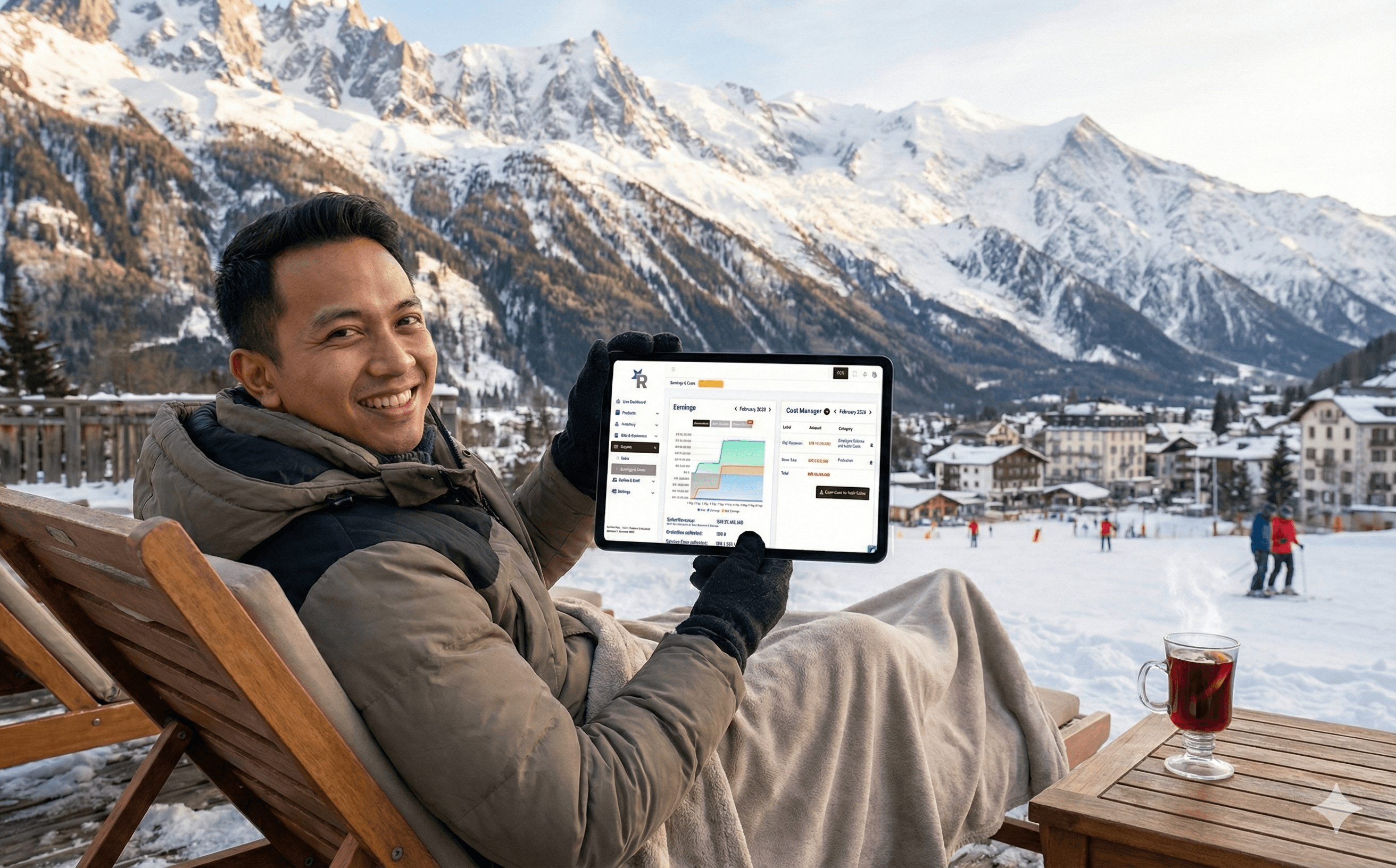
Today, you can monitor your store from home and even check today’s store revenue directly from your Android phone. Let’s break down exactly how to check store sales reports remotely and how you can control your store in real time — even while relaxing on the beach!
---
The Nightmare Called “Manual Cashier” & Notebooks
Read Also: Easy Guide to Connect a Bluetooth Printer to a Tablet (No Hassle & No Lag)
Before discussing technology, let’s be honest about the weaknesses of manual cash registers and the risks of Excel-based sales reports.
As a business owner, you’ve probably felt exhausted calculating totals manually every night or waiting for delayed closing reports from employees.
Without a centralized system, the risks of not monitoring daily reports can be severe. Here are operational problems you may have experienced:
Financial Leakage
Struggling with cash register discrepancies, missing cash without proof, or wondering how to detect if a cashier is taking money from the drawer.
Data Manipulation
Facing blank receipt issues, employees voiding transactions without permission, or trying to track deleted receipts. These are warning signs of cashier manipulation.
Administrative Chaos
Messy Excel reports, bookkeeping that never balances, or cashier reports that are always late.
Lack of Control
Difficulty managing branches in different cities and not knowing how to audit suspicious cashier activity.
Many business owners search for ways to prevent cashier fraud or dishonest employees. But the most effective way to prevent cash leakage and inventory loss isn’t constant suspicion — it’s building a system that cannot be manipulated.
---
The Smart Solution: Switch to a Cloud POS System
Read Also: Complete Warehouse Stock Opname Guide: SOP, Steps, & Report Examples
The answer to all the panic above is upgrading from a manual cashier to a cloud POS.
So, what is a cloud POS system?
In short, it is an online POS application where all store sales data is securely stored in the cloud — not just on local hardware.
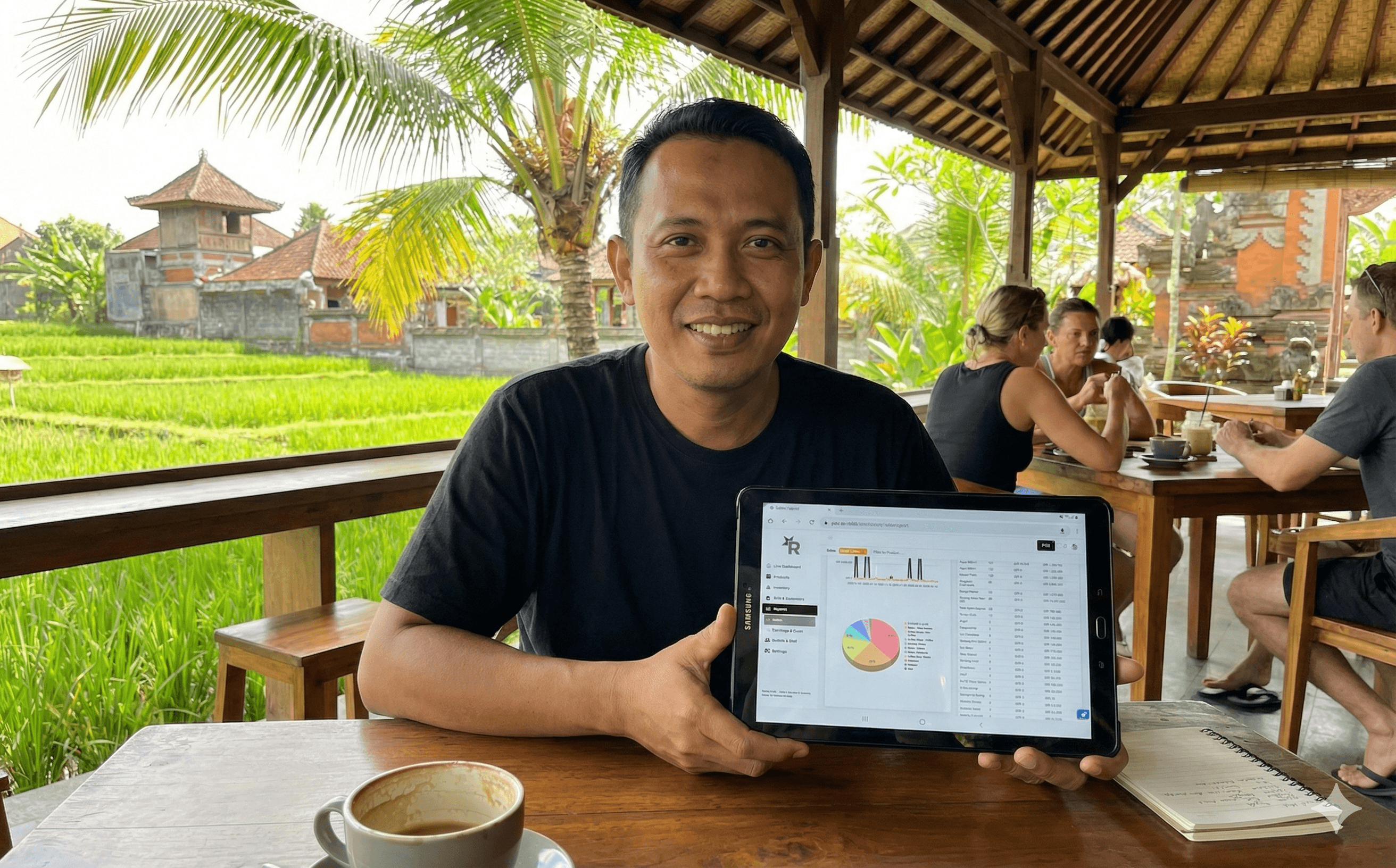
Thanks to cloud-based cashier data security, you can check sales reports via smartphone, tablet, or laptop from anywhere in the world. This is often called a remote monitoring POS system or a real-time online cash register.
When comparing cloud POS vs traditional cashier systems, it’s like comparing a smartphone to a landline phone.
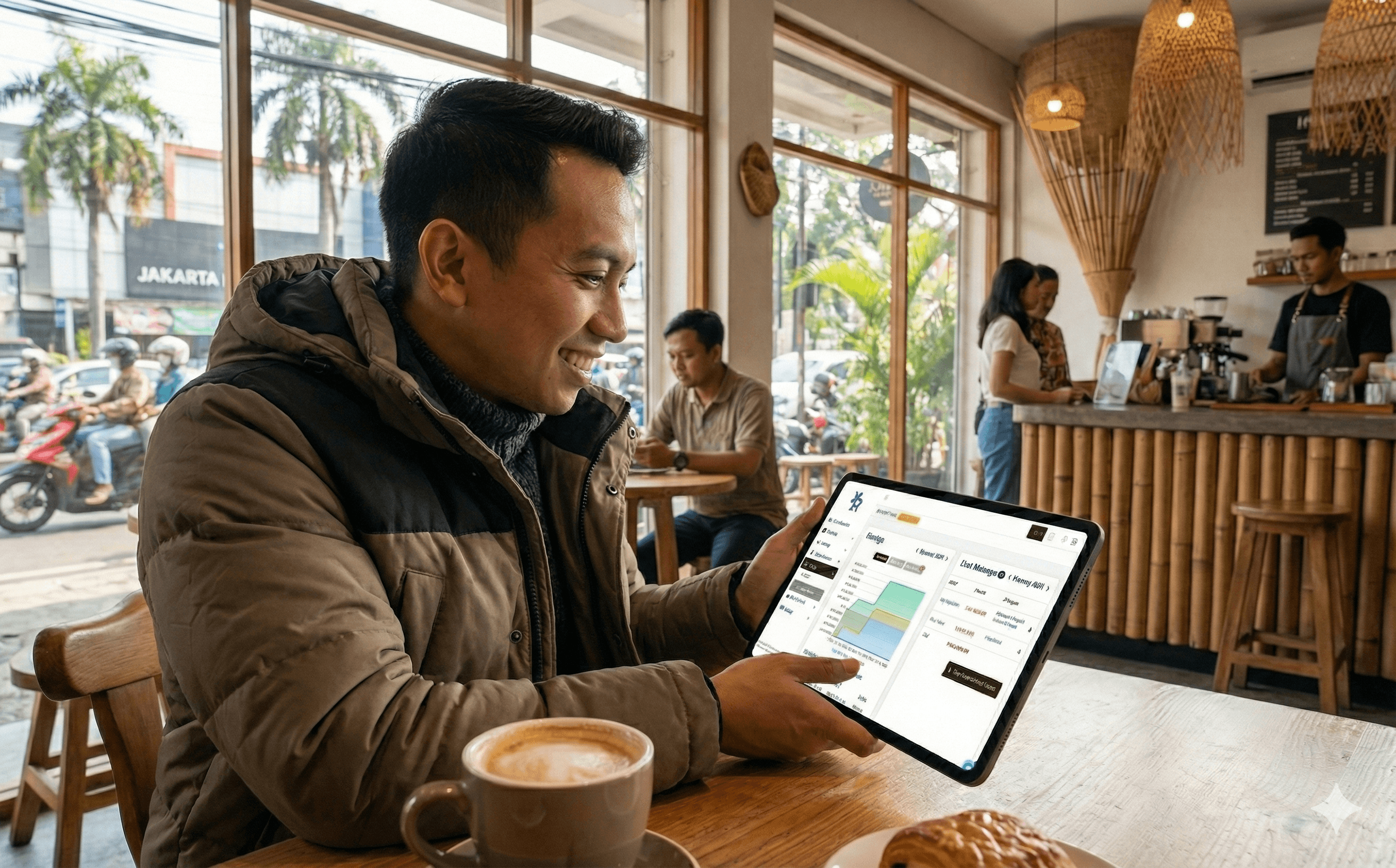
With a cloud-based POS system for retail or F&B, you activate a centralized POS system. Every transaction automatically syncs in real time. The moment a customer pays at the cashier desk, the data syncs to the owner’s phone instantly. You’ll receive shift-closing notifications and real-time sales alerts.
---
What Can You Monitor Remotely?
Using POS software with online reporting features feels like having a financial CCTV system. Here’s what you can monitor while enjoying your coffee:
Instant Revenue & Profit
Check daily revenue without visiting the store. Open the sales dashboard to instantly calculate total revenue — even from another city. You’ll also get automatic profit and loss reports and gross profit margin insights.
Best-Selling Product Analytics
Identify fast-moving products and top-selling items. View monthly sales trends and peak hour reports to optimize operating hours.
Employee Activity Audit
Track cashier activities through an audit trail. Monitor void and return reports, automatic attendance logs, and supervise cashier activity without relying solely on CCTV.
Cash Flow Management
Monitor payment method reports (cash/QRIS/EDC) to resolve discrepancies between recorded revenue and physical cash. Review petty cash expenses and promotional discount reports.
Integrated Inventory Monitoring
Track inventory and sales simultaneously through integrated POS and inventory reports, including automated food and beverage COGS reports — without manual formula calculations.
---
Comparison Table: Manual Cashier vs Cloud POS (ReBill)
| Feature / Activity | Manual Cash Register / Excel | Cloud POS (ReBill POS) |
|---|---|---|
| Report Access | Must visit store / via flash drive | Real-time via smartphone or tablet |
| Data Security | Prone to loss or deletion | Securely stored in cloud servers |
| Revenue Check | Wait for end-of-day recap | Instant automatic daily recap |
| Multi-Branch | Separate reports | Centralized multi-branch POS system |
| Fraud Audit | Difficult, prone to manipulation | Clear history with anti-manipulation features |
| Business Analysis | Manual & time-consuming | Instant analytics & auto-generated charts |
---
POS Applications for All Industries
Read Also: SAVE PAPER & MONEY! How to Send Receipts via WhatsApp to Customers
The good news? Cloud POS systems are flexible across industries:
F&B & Culinary
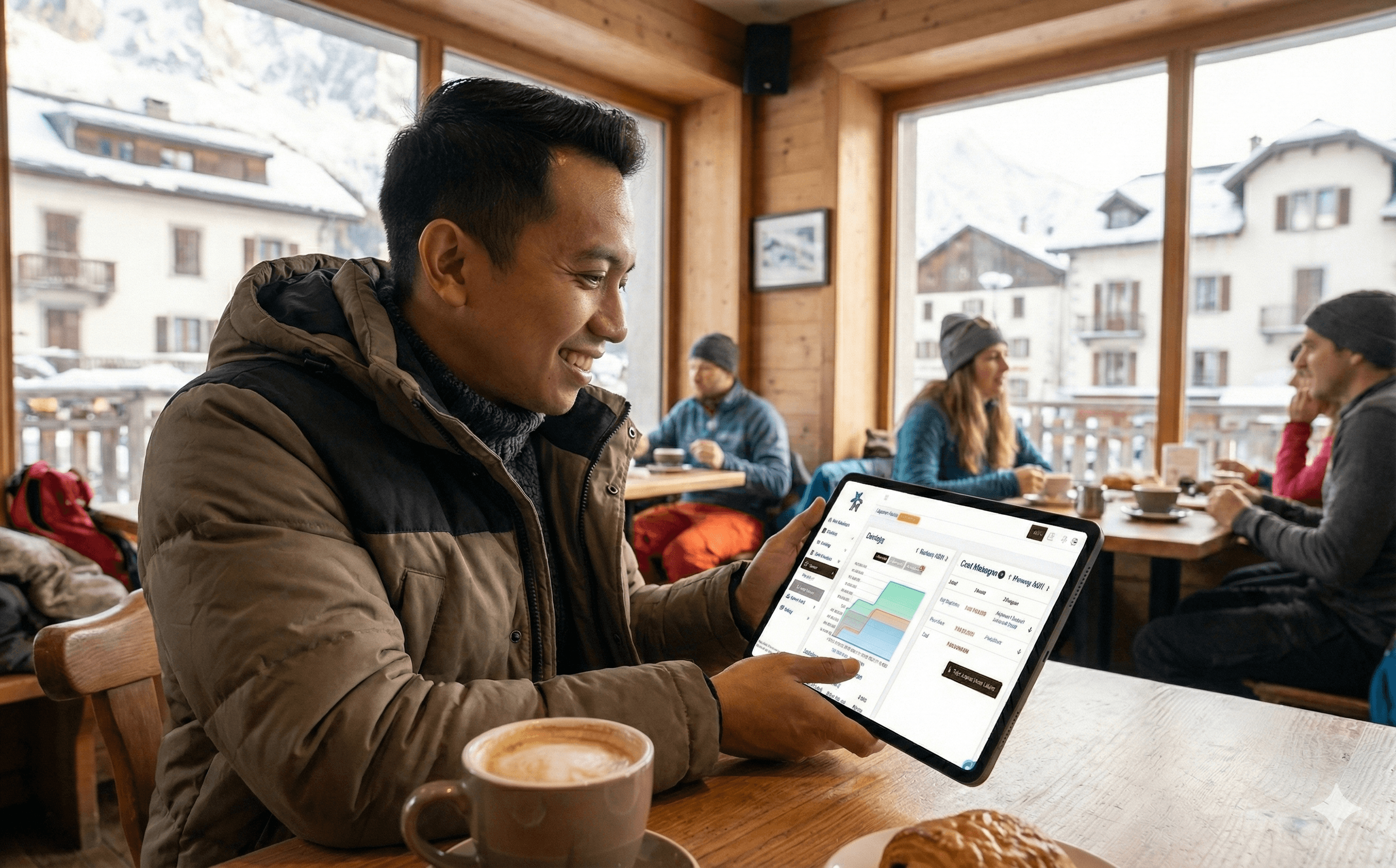
Monitor café revenue in real time, manage restaurant sales reports, run bakery POS systems, or track food truck sales remotely.
Retail & Wholesale
Use daily store reporting apps for grocery stores, cloud POS systems for minimarkets, clothing store POS software, or multi-branch retail POS systems.
Services
Perfect for barbershops, salons, beauty clinics, and car wash businesses needing remote revenue monitoring.
Large-Scale Businesses
Ideal for franchise monitoring with centralized cloud POS systems in Indonesia, managing multiple branches across cities.
---
The Best Investment: Subscribe to ReBill POS
Finding the best cloud POS recommendation is like finding a trustworthy business partner.
If you’re looking for the best Android POS app for tablets with enterprise-level features at SME-friendly pricing, the answer is ReBill POS.
ReBill’s smart owner dashboard is one of the easiest POS systems to use. It’s not just a reporting app — it’s an integrated cloud POS solution for restaurants and retail businesses, ensuring your sales data is secure.
Instead of struggling with manual bookkeeping or creating daily sales reports manually on your phone, rely on ReBill’s affordable, feature-rich POS system.
Enjoy advantages such as:
- Advanced sales report data filtering
- One-click export to Excel/PDF
- Customer database and loyalty reporting
- Affordable multi-branch POS pricing packages
Don’t let your business take away your freedom.
Implement loss-prevention strategies for retail and restaurant businesses starting today. Experience the benefits of using ReBill POS to monitor your culinary business from home — and enjoy your vacation with peace of mind!