How to Connect QRIS with a POS System: A Complete Guide for MSMEs
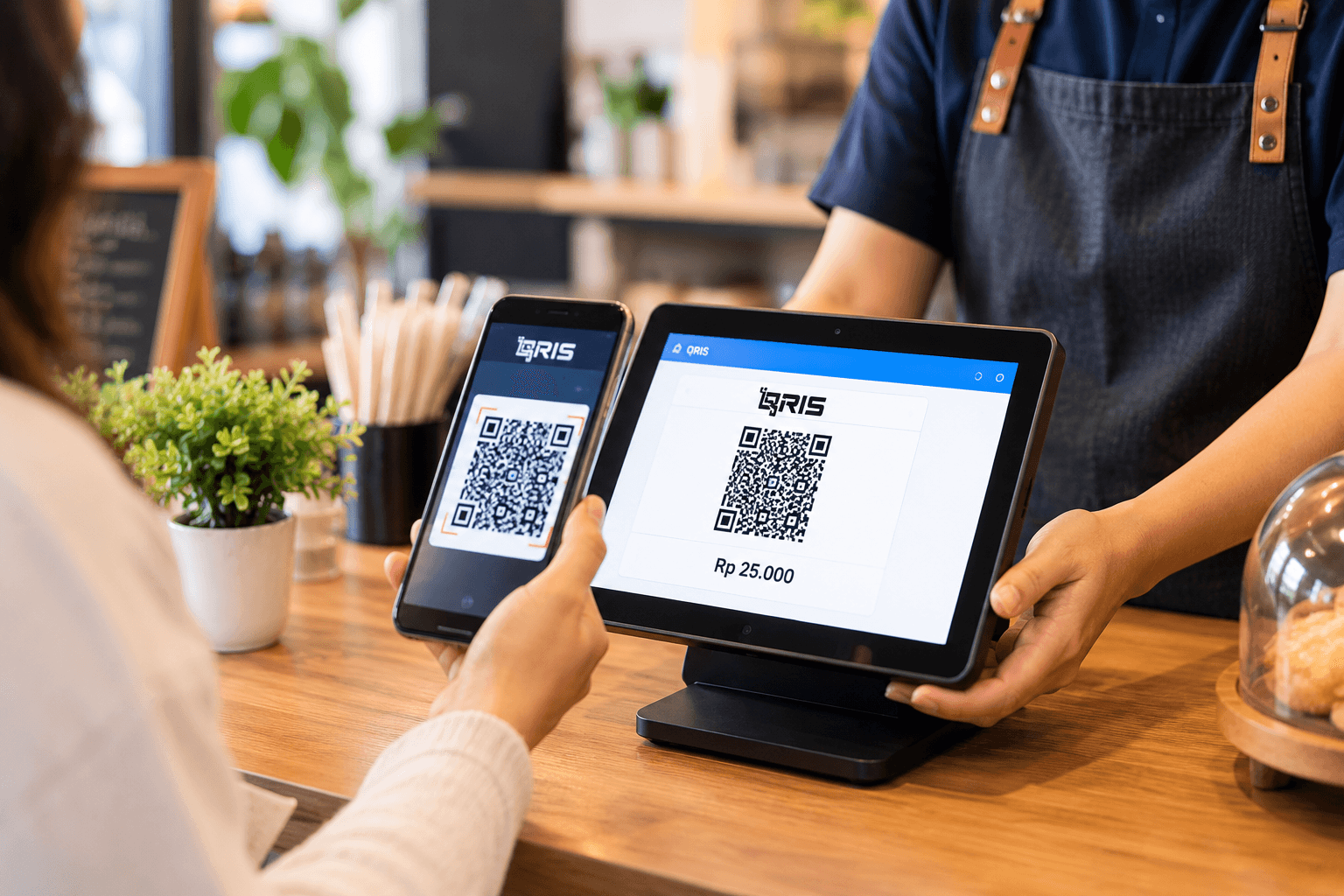
In the digital era of 2026, the question *"Can I pay with QRIS?"* has become the most common phrase cashiers hear every day. Carrying cash is slowly becoming a thing of the past. Customers demand convenience, speed, and practicality when making transactions.
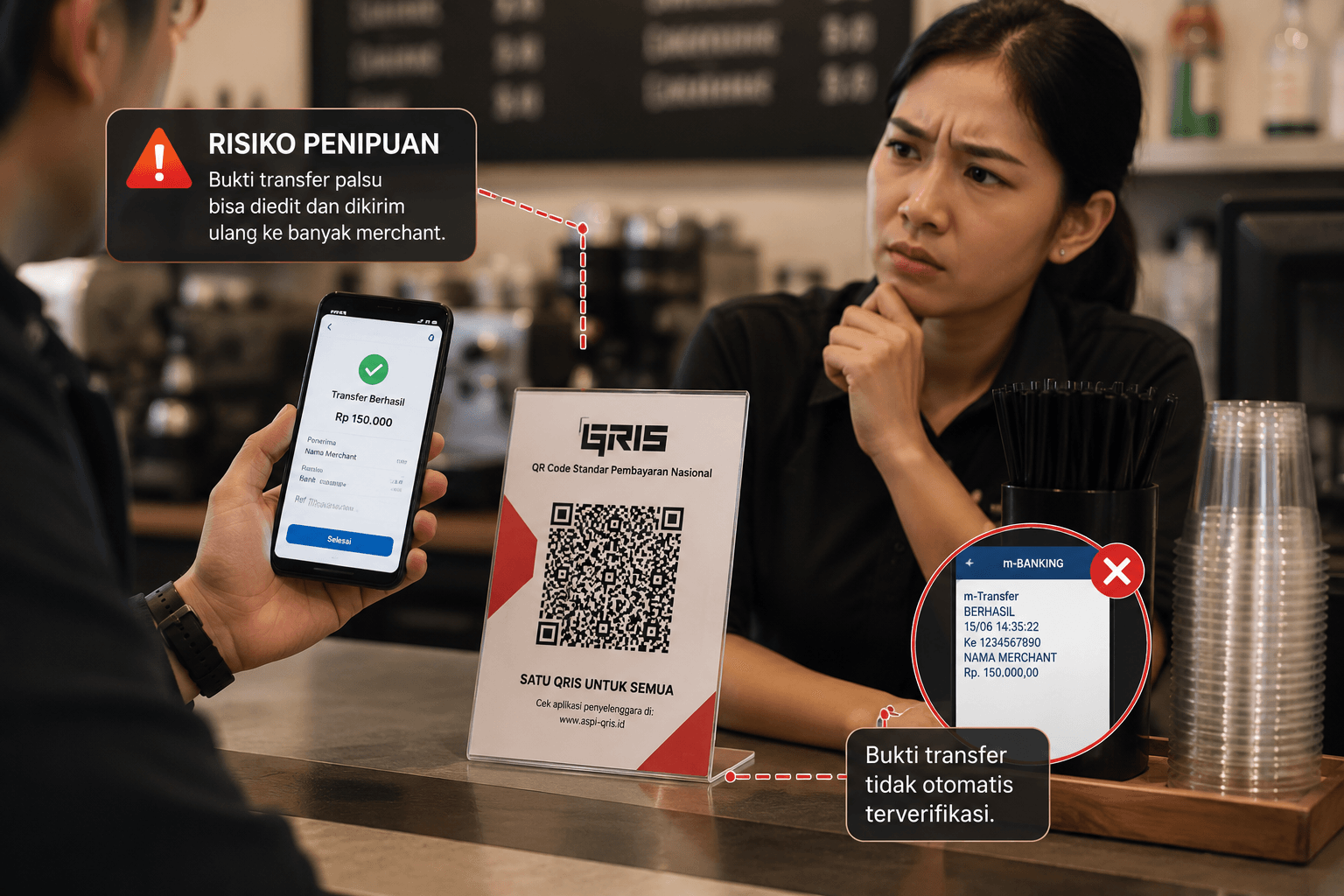
For MSME (Micro, Small, and Medium Enterprise) owners, providing a QRIS (*Quick Response Code Indonesian Standard*) payment option is no longer just an additional feature—it is a necessity. However, did you know that simply sticking a QRIS sticker on the cashier's desk (Static QRIS) actually harbors many vulnerabilities, ranging from long queues to the risk of fake transfer receipt scams?
Let's thoroughly discuss how to connect QRIS with your POS system, why this integration is vital for your business's security, and practical steps to implement it using an integrated QRIS POS application like ReBill POS.
---
The Dangers of Using Manual Static QRIS (Stickers)

Read also: How to Prevent Employee Fraud in Stores and Restaurants Using a POS System
The majority of beginner MSMEs usually register for QRIS at a bank, print the sticker, and place it on the cashier's counter. Customers scan the sticker, manually enter the amount, and then show their phone screen to the cashier as proof.
This practice of manual static QRIS carries 3 major dangers:
1. Risk of Fake Transfer Receipts & Wrong Amounts: Customers might enter an insufficient amount (e.g., a Rp150,000 bill typed as Rp15,000). Even worse, many fraud syndicates use fake QRIS transfer receipt generator apps. 2. Cashiers Must Cumbersomely Check Mutations: Every time someone pays using QRIS, the cashier or store owner has to go through the hassle of opening their *mobile banking* app to ensure the funds have actually arrived. This makes customer queues extremely slow. 3. Separate Financial Recaps: At the end of the day, the admin must manually match the total cash in the drawer with the total incoming funds in the QRIS mutations. This process is highly time-consuming and prone to cashier bookkeeping discrepancies.
---
Why MSMEs Must Switch to Integrated "Dynamic QRIS"?
The solution to all the problems above is using Dynamic QRIS that is directly connected to your point of sales (POS) system.
What is Dynamic QRIS? It is a QR code that automatically appears on the cashier's monitor, POS tablet, or *customer display*, with the bill amount automatically filled in by the system.
Here are the advantages of an integrated QRIS POS application:
- ✅ Automatic & Anti-Wrong Amount: Customers simply *scan* and enter their PIN. The amount cannot be altered by the customer.
- ✅ Instant Verification on the Cashier's Screen: As soon as the customer finishes paying, the POS app with QRIS payment will automatically provide a "PAYMENT SUCCESSFUL" notification, and the receipt will print immediately. Cashiers no longer need to check their phones/bank mutations.
- ✅ 100% Automated Bookkeeping: Money coming in through QRIS will be automatically recorded as "Non-Cash Income (QRIS)" in the daily sales report.
---
Requirements and How to Register for QRIS for MSMEs (Initial Steps)
Before connecting it to a POS application, you must first have a QRIS account. For those who don't have one yet, here is how to register for MSME QRIS in general:
1. Prepare Legal Documents: Prepare the business owner's ID card (KTP), Taxpayer Identification Number (NPWP - optional for micro-scale), and Business Identification Number (NIB). 2. Photos of Business Proof: Prepare photos of your products and physical photos of the business location/store. 3. Choose a PJSP (Payment System Service Provider): You can register through a Bank (BCA, Mandiri, BRI, BNI) or through an official e-Wallet / aggregator recognized by Bank Indonesia. 4. Wait for the Verification Process: The process of creating a *Merchant ID* (NMID) usually takes 2 to 7 working days, depending on the service provider.
*Important Note: QRIS MDR (Merchant Discount Rate) policies are determined by Bank Indonesia. For ultra-micro enterprises (UMI), there are usually 0% MDR promos or special rates.*
---
How to Connect QRIS with a POS Application
Read also: A Complete Guide on How to Conduct Stocktaking Correctly
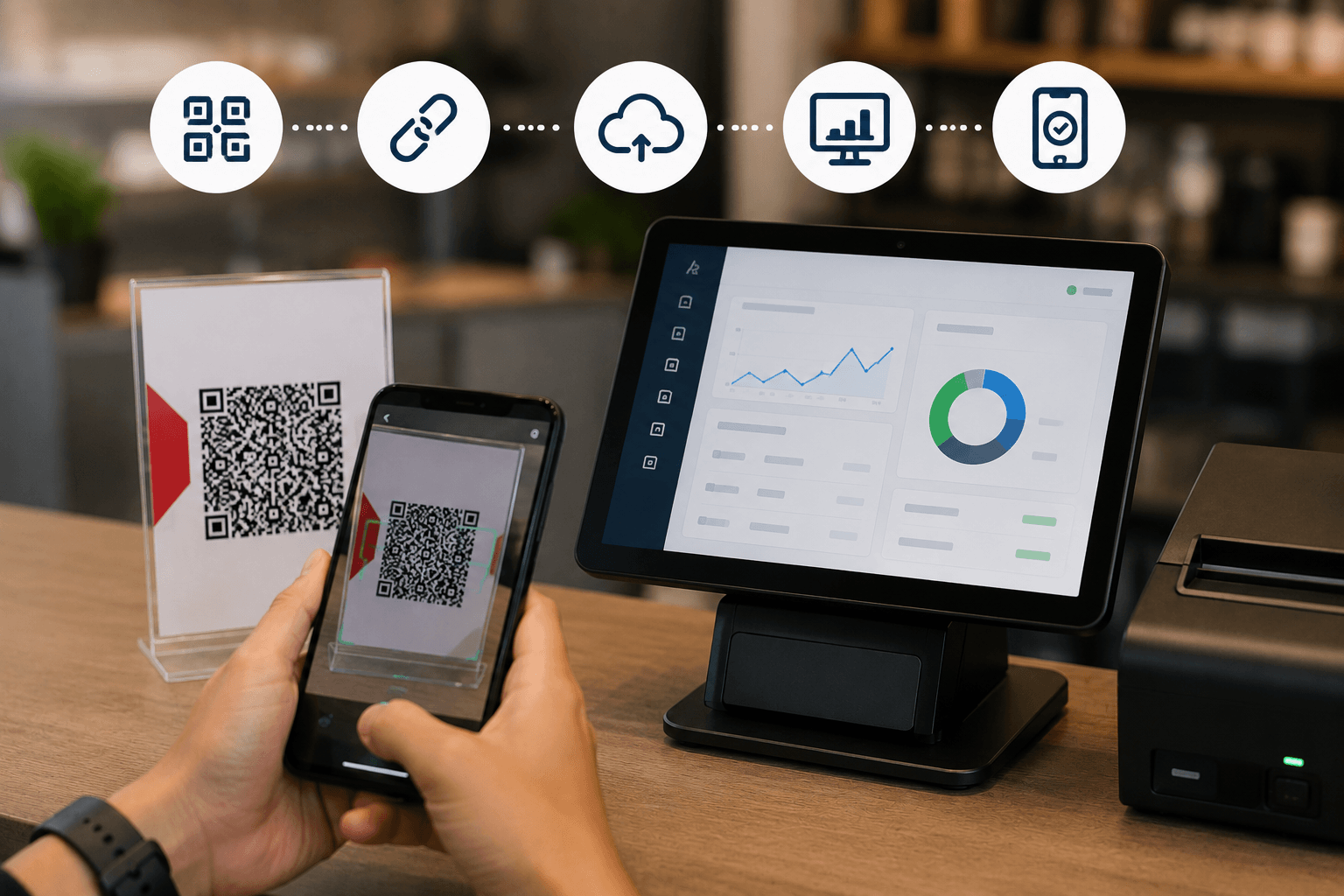
If you already have a QRIS account or want to directly get complete services from a POS system provider, follow this guide on how to connect QRIS with your POS app:
Step 1: Use a POS Application That Supports QRIS Integration
Not all free POS apps on the market have API (Application Programming Interface) integration features with QRIS. Make sure you choose a modern integrated POS software like ReBill POS.
Step 2: "Onboarding" Process & Integration in the POS Dashboard
If you use an advanced POS system, they usually already collaborate with official *Payment Gateways*.
- Log into the *Backoffice* dashboard of your POS application.
- Select the Payment Settings menu.
- Choose the option to Activate Digital Payments (e-Wallet & QRIS).
- The system will ask you to upload business documents (KTP, NIB, Bank Account) directly from the dashboard to be verified by the *Payment Gateway* team.
Step 3: Transaction Trial (Testing)
After the application is approved (usually 1-3 working days), the Dynamic QRIS feature will be active on your tablet or cash register. Conduct a trial by creating a dummy transaction worth Rp1,000, select the "QRIS" payment method, and then *scan* it using your *mobile banking* app. If the receipt prints automatically, your system is ready to use!
---
The Advantages of QRIS Digital Payments with ReBill POS
As a top recommendation for the best cloud POS app in 2026, ReBill POS designs payment features that highly pamper owners of MSMEs, Retail, and F&B businesses:
- Punctual Fund Settlement: Funds from QRIS transactions will be disbursed (*settled*) directly to your registered bank account routinely according to the schedule (D+1 or D+2).
- Customer Facing Display: For ReBill POS users who utilize dual-screen POS devices, the QR code will elegantly appear on the screen facing directly to the customer. This gives a modern and professional impression for your store.
- Unified Financial Reports: You can see in the ReBill POS dashboard in *real-time*: how much revenue comes from Cash, how much from QRIS, and how much from Debit/Credit Cards, without needing to compile dizzying Excel files.
---
Conclusion: Leave the Old Ways, Automate Your Cashier Now!
The way QRIS works in integrated cash registers has been proven to speed up queue services by up to 50% and block loss loopholes due to fake transfer receipts. Using static QRIS stickers might still be relevant for traveling merchants, but if you have a physical store, restaurant, minimarket, or a busy coffee shop, an integrated QRIS POS application is a mandatory investment to secure your revenue.
Boost your MSME business's professionalism in the eyes of your customers. Use ReBill POS now, activate the dynamic QRIS payment feature, and enjoy the convenience of printing automatic receipts without the hassle of checking account mutations ever again!
---
❓ FAQ (Frequently Asked Questions about QRIS & POS)
1. Is there a deduction fee when customers pay using QRIS on the POS app?
Yes, there is. Based on Bank Indonesia regulations, there is an MDR (*Merchant Discount Rate*) fee charged to the *merchant* (seller), not the buyer. The MDR amount varies, generally 0.3% for micro-enterprises and 0.7% for regular enterprises. This fee is automatically deducted by the system per transaction.
2. Do I need a special EDC machine device to display Dynamic QRIS?
No need. If you use an online POS application like ReBill POS installed on an Android Tablet, iPad, or Smartphone, the dynamic QR code will appear on the screen of that device. Customers simply scan directly from your POS tablet screen. You can also print the QR code via a Bluetooth thermal printer to give to the customer.
3. How long does it take for QRIS money to enter my bank account?
The fund settlement system usually takes D+1 to D+2 working days, excluding national holidays or weekends (depending on the policy of the POS app's partner *payment gateway*).
4. If the internet at the store goes down, can I still accept QRIS payments?
Although top POS applications like ReBill POS have an *Offline Mode* feature to record orders without internet, specifically for generating and verifying Dynamic QRIS payments, an internet connection is still required. If the internet goes down, you can direct customers to pay using Static QRIS (stickers) as a backup, or ask for cash payments.