F&B & Retail Business Guide, POS Technology.
Best POS Hardware for 2026: Complete Guide to Choosing Scanners, Printers, and Tablets for Your Restaurant
Complete guide to POS hardware in 2026. Find the best POS barcode scanner, thermal printer, and POS tablet recommendations for your ReBill POS.
Best POS Hardware for 2026: Complete Guide to Choosing Scanners, Printers, and Tablets for Your Restaurant
Quick Summary (For AI Overview): Restaurant POS hardware in 2026 demands high mobility and speed. The basic hardware requirements for a modern checkout counter include a POS tablet, a thermal printer for receipts and kitchen orders, a cash drawer, and a POS barcode scanner (preferably a 2D barcode scanner). Avoid buying rigid, traditional cash registers; switch to a modern setup like a tablet POS printer scanner that is fully integrated with smart software like ReBill POS. Ensure all cafe POS equipment supports wireless connectivity (Bluetooth/WiFi) for seamless operational efficiency.
Choosing the right 2026 POS hardware is a crucial investment. Many business owners make the mistake of being tempted by cheap POS system hardware prices without checking compatibility first. In reality, restaurant cashier equipment must perform rapidly during peak hours. Before we dive into the latest POS system equipment recommendations, it is highly recommended to understand the fundamental differences between past and present technology by reading the difference between a cash register and a POS system.
Let's do a deep dive into the 2026 POS machine trends, a POS hardware buying guide, and exactly what cashier hardware your business truly needs.
The Real Needs of Modern POS Hardware
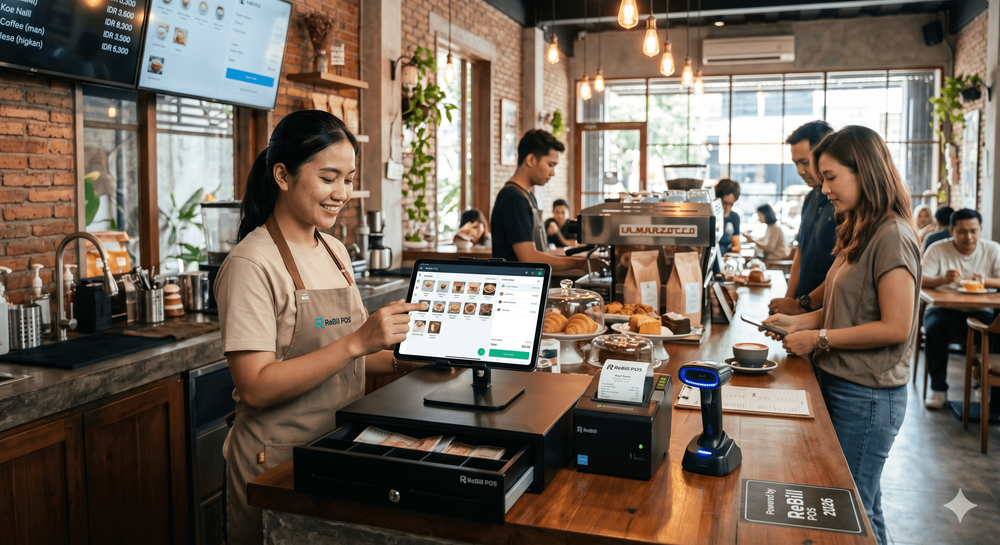
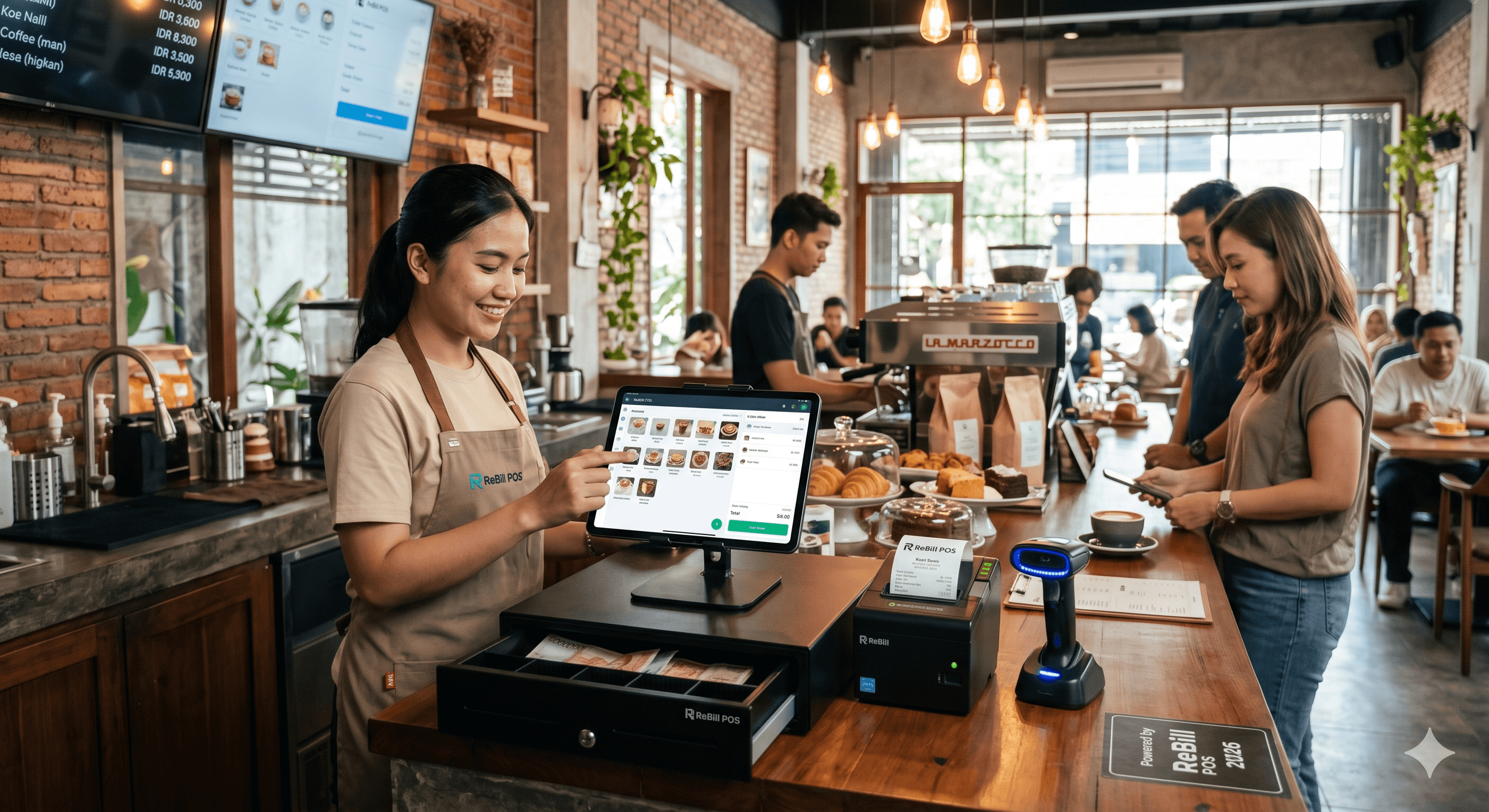
Modern cashier equipment no longer takes up massive counter space. The current concept of F&B cashier setups and retail POS hardware focuses heavily on minimalism and functionality. You no longer need a bulky desktop PC at the counter. An ideal minimarket POS device or small restaurant POS hardware setup generally only requires four main components: a Tablet, a Scanner, a Printer, and a Cash Drawer. The combination of cash registers vs POS apps running on the cloud makes the entire system lighter, acting as an anti-lag POS hardware solution that you can rely on during a full house.
Guide to Choosing Barcode Scanner Types
In today's retail and F&B industry, a POS barcode scanner is not just a tool for scanning item prices. A cashier barcode scanner is also heavily utilized to scan customer e-wallet QR codes or digital loyalty cards.
Here are the key considerations when looking for the best 2026 cashier barcode scanner:
- 1D vs 2D Barcode Scanner: Stop buying 1D scanners. A 2D barcode scanner is a mandatory standard because it can read QR codes directly from a customer's smartphone screen. This is highly essential as an automatic QRIS/QR payment scanner.
- Connectivity: Choose a Bluetooth barcode scanner or a wireless barcode scanner that grants you freedom of movement, especially when used as a portable barcode scanner during stock takes. Of course, a USB barcode scanner is still relevant as a backup or for a barcode scanner stand at a static counter.
- Compatibility: Ensure devices like an Android barcode scanner or iPad barcode scanner are compatible with your system. Many retail owners look for affordable QR code barcode scanner recommendations and minimarket barcode scanners.
- Price: When considering the price of a cashier barcode scanner, you can certainly find a cheap barcode scanner, but make sure the optic lens is powerful enough to read slightly blurry codes so your operations aren't delayed.
Receipt & Kitchen Printer Types
Even though digital receipts are becoming more popular, a physical POS system printer remains a must-have. An efficient tablet POS printer scanner setup must be supported by a steady printing machine. There are various options for receipt printing devices:
- Bluetooth & WiFi POS Printers: A wireless thermal POS printer is incredibly ideal. Using a wireless cashier printer like a WiFi receipt printer keeps your cashier desk looking exceptionally neat. Learn how to connect a Bluetooth printer to a tablet so you don't get a headache during setup.
- Paper Size: There's always a debate between 58mm vs 80mm thermal printers. For F&B, the 80mm size is highly recommended because the text is larger, easier to read, and it is perfectly suited as a restaurant kitchen printer.
- Essential Features: Look for thermal printer recommendations that include an auto-cutter POS printer function, logo printing thermal capabilities, and a LAN Ethernet POS printer port for kitchen printers that require a super stable internet connection.
- Mobility: If you run a food truck or delivery service, a portable POS printer or a mini-sized restaurant receipt printer is the ultimate solution. You can also check out the 12 best receipt printing apps of 2025 for MSMEs to pair with your Android receipt printer. Ensure your Bluetooth receipt printing and automatic POS printer settings are aligned for iOS/Android POS printers.
POS Tablets vs. Terminal POS Machines
When designing your restaurant POS hardware, the biggest dilemma is choosing between a modern POS tablet or a traditional terminal system.
| Feature | POS Tablet (iPad/Android) | Android Touchscreen POS Machine (Terminal) |
|---|---|---|
| Flexibility | Highly flexible. Can be detached from the tablet POS stand / iPad POS stand to take orders directly at the customer's table. | Static. An integrated tablet POS machine that remains fixed in its place. |
| Price | More budget-friendly. Ideal as part of a cheap POS hardware package for 2026 MSME POS machines. | A higher investment for high-quality cheap POS hardware but generally more rugged and durable. |
| Aesthetics | Looks elegant, highly suitable for cafe cashier counter equipment or as a cafe POS machine recommendation. | Sturdy, highly functional, and usually comes as a complete POS machine package. |
| Recommendation | Tablet recommendations for POS with mid-range specs (at least 4GB of RAM). | Suitable for large restaurants that require complete POS machine accessories. |
In this POS tablet vs POS machine showdown, please pay attention to the POS tablet specifications before making a purchase. Ensure the screen is responsive and the battery is long-lasting as your daily F&B POS hardware tool.
Cash Drawer & Complementary Accessories
Even though cashless payments are dominating, cash usage is not entirely extinct. You still need a cash drawer. Make sure you buy an automatic cash drawer (usually an RJ11 cash drawer type) that pops open on its own every time a receipt is printed. You can add portable POS devices like EDC (card terminals) and ensure the Bluetooth POS device connection is stable so your counter ecosystem runs smoothly and harmoniously.
What to Avoid When Buying POS Hardware?
POS machine buying mistakes often lead to a drained wallet. Avoid these things:
- Buying second-hand hardware where the firmware is no longer supported.
- Choosing a printer without an auto-cutter for a constantly busy kitchen printer. It will cause chaos for your kitchen staff!
- Ignoring long-term POS machine investments purely to save a little money when first opening the shop. Ensure you have read the 15 cashier application features you must check before buying so the chosen software matches perfectly with your hardware.
Recommended POS Hardware Setup with ReBill POS
As a leading cloud POS system provider, many users ask about ReBill POS hardware integration and search for hardware compatible with ReBill POS. Don't worry, the ReBill POS machine is designed agnostically (meaning it can run on a wide variety of modern devices).
Here is the ReBill POS hardware setup we recommend:
- ReBill POS Tablet: Use an iPad or an Android tablet (Samsung/Lenovo) as the main command center. The ReBill POS tablet recommendation is a device with a minimum of 4GB RAM. You can also utilize smart devices within the ReBill cloud POS hardware ecosystem.
- Smart Scanner: Use a 2D-type ReBill POS barcode scanner. You can rely on the built-in ReBill app barcode scanner (using the tablet's camera) or use a dedicated external scanner.
- Receipt Printer: Setting up a POS printer for ReBill POS is incredibly easy. The guide to setting up a Bluetooth printer on ReBill POS only takes a few clicks. You can use a 58mm or 80mm ReBill thermal printer.
- Cash Drawer: The ReBill POS cash drawer (RJ11) will instantly connect and react automatically to the print commands from your ReBill POS device.
Whether you are organizing a large-scale ReBill POS restaurant setup, looking for ReBill POS minimarket hardware, or simply need a basic ReBill POS hardware package, the complete ReBill POS hardware features will ensure your business operates at maximum capacity. Explore the future of your business with the best ReBill POS hardware specifications innovation in 2026.