nventory Management, F&B & Retail Business Guide.
Complete Guide on How to Do a Stock Take Correctly for Cafes, Restaurants, Coffee Shops & Retail Stores
A complete guide on how to do a stock take correctly for cafe, resto, and retail. Solve stock discrepancies & manage inventory with ReBill POS.
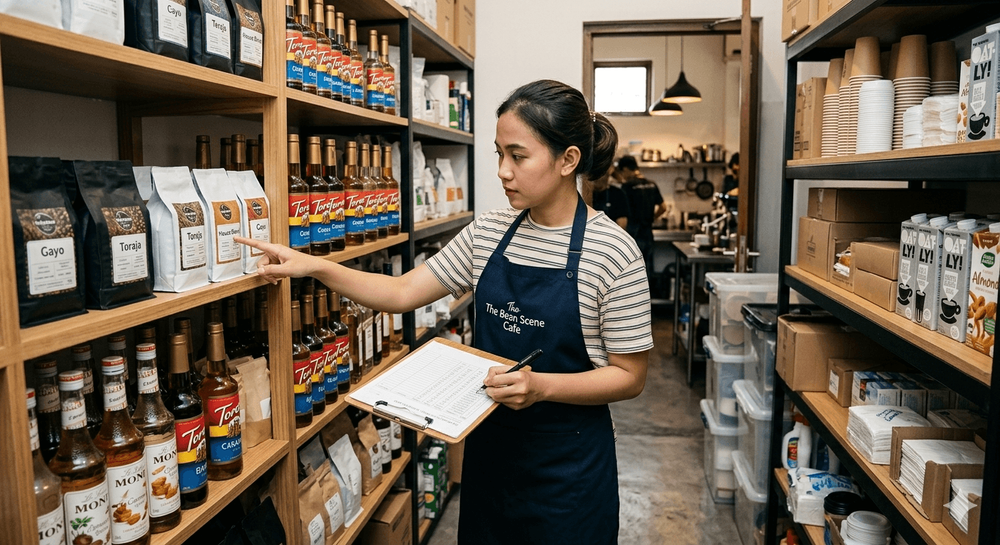
Complete Guide on How to Do a Stock Take Correctly for Cafes, Restaurants, Coffee Shops & Retail Stores
Read also: Inventory Management: Definition, Functions, Benefits, and How to Manage It Effectively
The definition of a stock take (or physical inventory count) is the activity of physically counting the inventory in a warehouse or storefront to match it with accounting records. Many beginner F&B and retail business owners are often confused and ask about the difference between a stock take and an inventory count. Actually, both mean the exact same thing in the realm of inventory management.
So, what are the purposes and benefits of a stock take? Broadly speaking, this activity is crucial to finding out asset value, controlling the movement of goods, and ensuring COGS (Cost of Goods Sold) remains accurate. If you are still confused about how to calculate inventory accurately, this article will thoroughly discuss the steps for a stock take for various types of businesses.
📦 The Correct Procedures and How to Do a Stock Take (Basic Education)
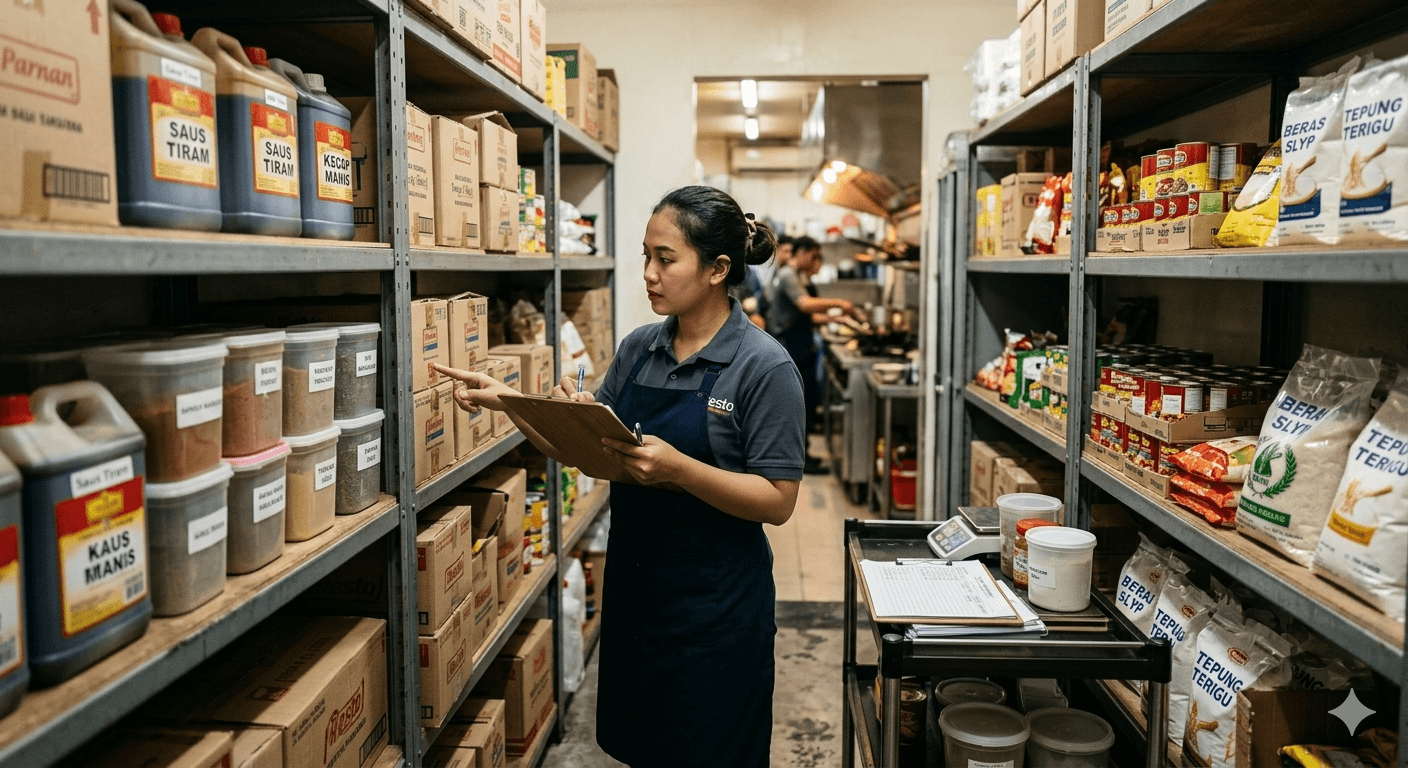
Executing the correct stock take procedure requires careful preparation so as not to disrupt daily operations. Here is a standard company stock take SOP that you can apply:
- Determine the Ideal Schedule: You must determine an ideal stock take schedule. The options can be how to do a monthly stock take for general goods, or how to do a daily stock take for fast-moving or perishable goods.
- Prepare Documents: Prepare an excel stock take form if you are still doing it manually. This document will later be the basis for creating an example stock take report and a stock take official report if discrepancies are found.
- Perform Physical Counting: This is the core of the inventory calculation method. Perform the counting (counting) and make sure you know how to check warehouse stock from corner to corner to avoid misplaced items.
- Data Reconciliation: One of the tips for a fast and accurate stock take is to separate the counting team and the data input team. Once finished, compare the physical count with the system to find how to calculate ending inventory validly. You can also perform a cross-employee inventory audit method.
☕ Specific Inventory Management for F&B (Cafes, Restaurants, Coffee Shops)
Read also: Affordable Cashier Applications in 2026: Economical and Complete Solutions for Indonesian MSMEs
In the culinary business, restaurant inventory management is much more challenging because it involves perishable raw materials.
- Raw Materials & Waste: Knowing how to do a restaurant stock take and how to do a cafe stock take is extremely crucial. You must understand how to calculate food raw material stock as well as how to calculate restaurant food waste. This is closely related to how to calculate restaurant food cost and how to calculate food raw material yield.
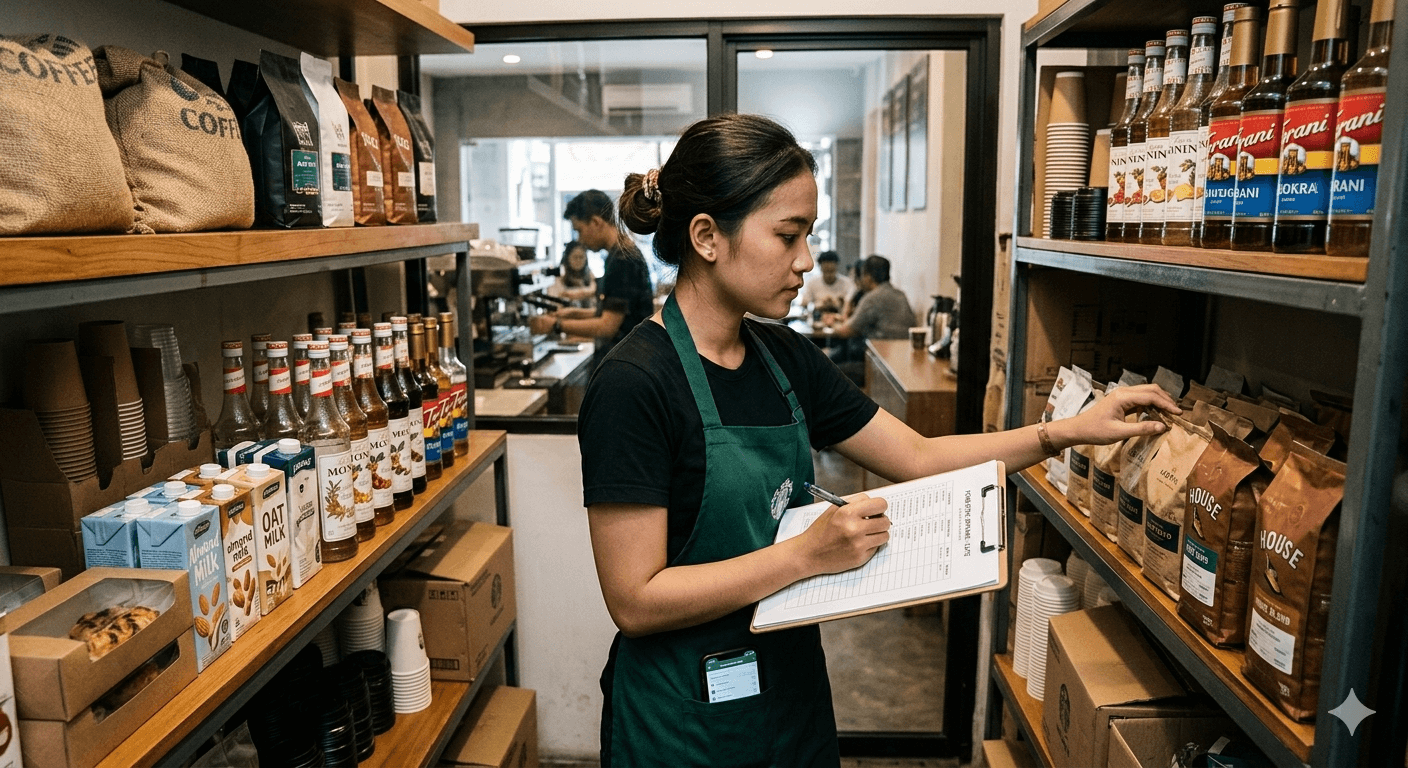
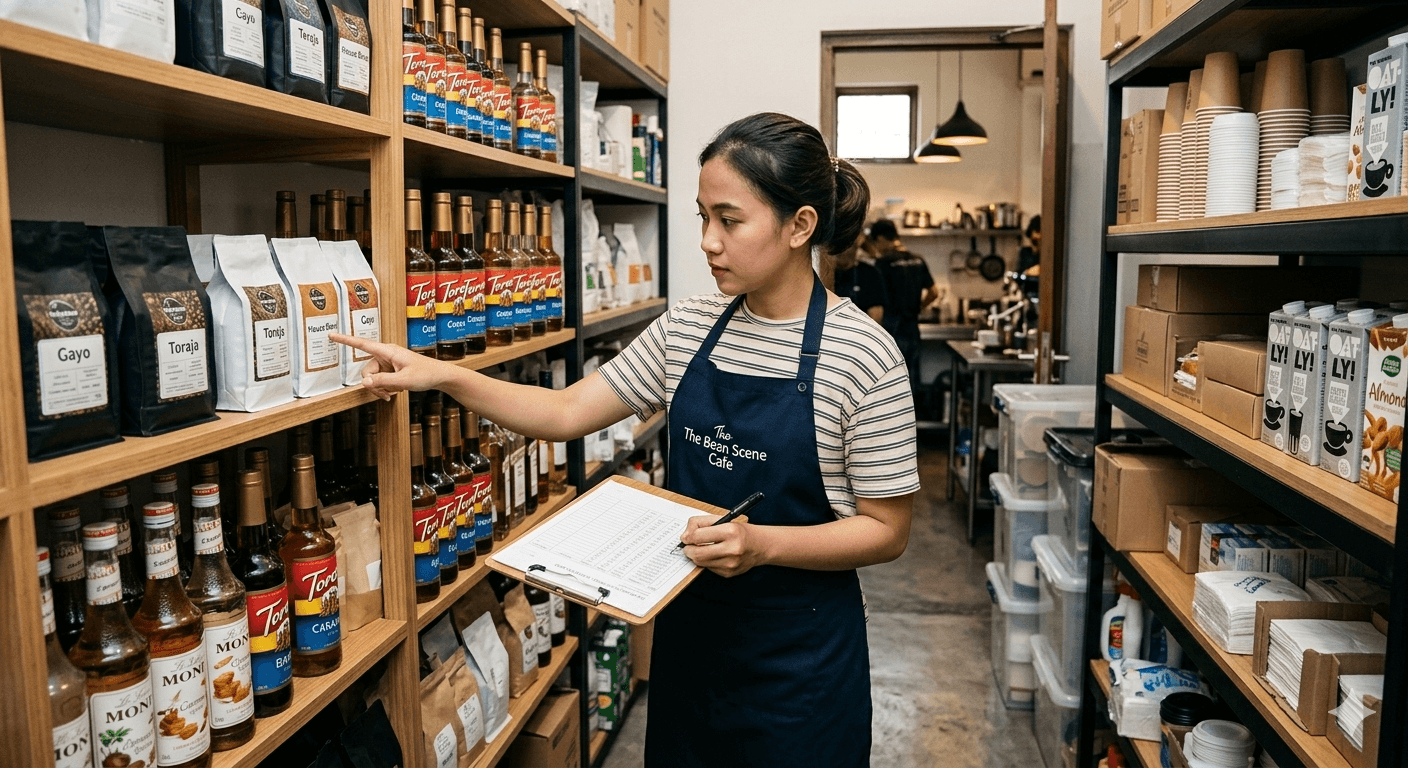
- Coffee Shop: For coffee shops, learn how to do a coffee shop stock take, specifically how to calculate coffee bean stock and how to calculate coffee cup and packaging stock which are often prone to disappearing.
- Storage Method: Use the FIFO method for cafe raw materials (First In First Out), especially when applying how to stock take wet raw materials. This is an excellent first step as a way to control restaurant kitchen stock.
- Recording: Many entrepreneurs look for an excel cafe stock take form or an example cafe inventory table. Although helpful, using a cafe raw material stock application or restaurant inventory software is much safer for how to prevent restaurant raw material theft and managing multi-branch F&B stock management. This ultimately makes it easier for you in how to calculate food COGS from stock.
🛍️ Stock Take Strategies for Retail Stores and Minimarkets
Read also: 15 Best Cashier Applications in 2026: POS Recommendations for Culinary, Retail, & MSMEs
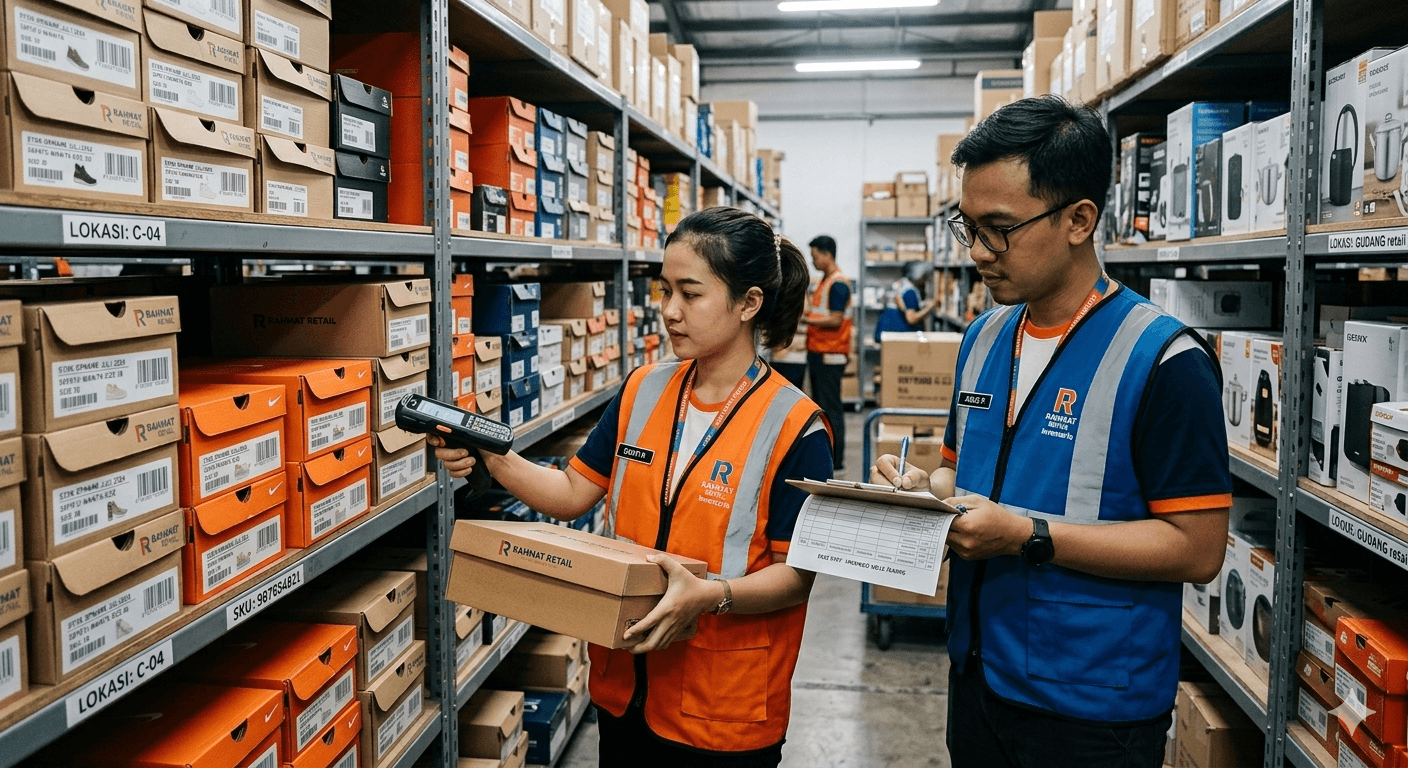
For the retail business, the challenge lies in the massive number of SKUs (Stock Keeping Units).
- Various Store Scales: There are different approaches on how to stock take a retail store, how to stock take a minimarket, how to stock take a clothing store, to how to stock take a grocery store and how to stock take a convenience store. The core lies in how to arrange goods in a store warehouse neatly.
- Time Efficiency: How to stock take a large number of goods? The key is how to do a stock take without closing the store by performing partial counting per aisle (cycle counting).
- Technology Utilization: The best way for retail store inventory management is by utilizing how to do a stock take using a barcode scanner. This vastly accelerates how to calculate merchandise stock.
- Security & Governance: Knowing how to manage goods stock in a store is the ultimate key to how to prevent lost goods in a store. You can leave behind the manual excel store goods stock take form and clothing boutique stock take tips to seamlessly switch to an automated system.
🕵️♂️ Problem Solving: Solutions for Stock Discrepancy Issues

Read also: 10 MUST-HAVE Features in Restaurant Cashier Applications to Make Your Business More Profitable
Many entrepreneurs get frustrated and ask, why is the stock always discrepant?
Here is an analysis table of causes and solutions related to inventory problems:
| Causes of Stock Take Discrepancy | Solutions & Preventive Actions |
|---|---|
| Manual data input errors (Human Error) | Understand the weaknesses of manual stock takes. Use a barcode system for 100% accuracy. |
| Goods misplaced in the warehouse | Practice how to track lost goods in a warehouse with a numbered rack system. Apply solutions for messy inventory. |
| Internal Loss / Theft | Tighten standard operating procedures as a way to prevent store employee fraud. |
| Not understanding accounting methods | Learn how to calculate FIFO LIFO average for correct and standard stock valuation. |
| Incorrect initial calculation | Learn how to calculate beginning and ending stock as well as how to reconcile inventory. |
The question often arises, who bears the shortage discrepancy in a stock take? This scenario must be regulated within an effective manual stock take method and internal SOPs (usually borne collectively by the shift team if negligence is proven). If left unchecked, the consequences of rarely doing a stock take can drain your profits to nothing. Don't forget to learn how to prevent stock from going negative and how to create simple inventory bookkeeping first before switching to a complex management framework.
💻 Switching to Software: Leave Excel, Use Modern Systems
Read also: Cash Register vs. Point of Sales (POS) System Differences: Which is Right for Your Business?
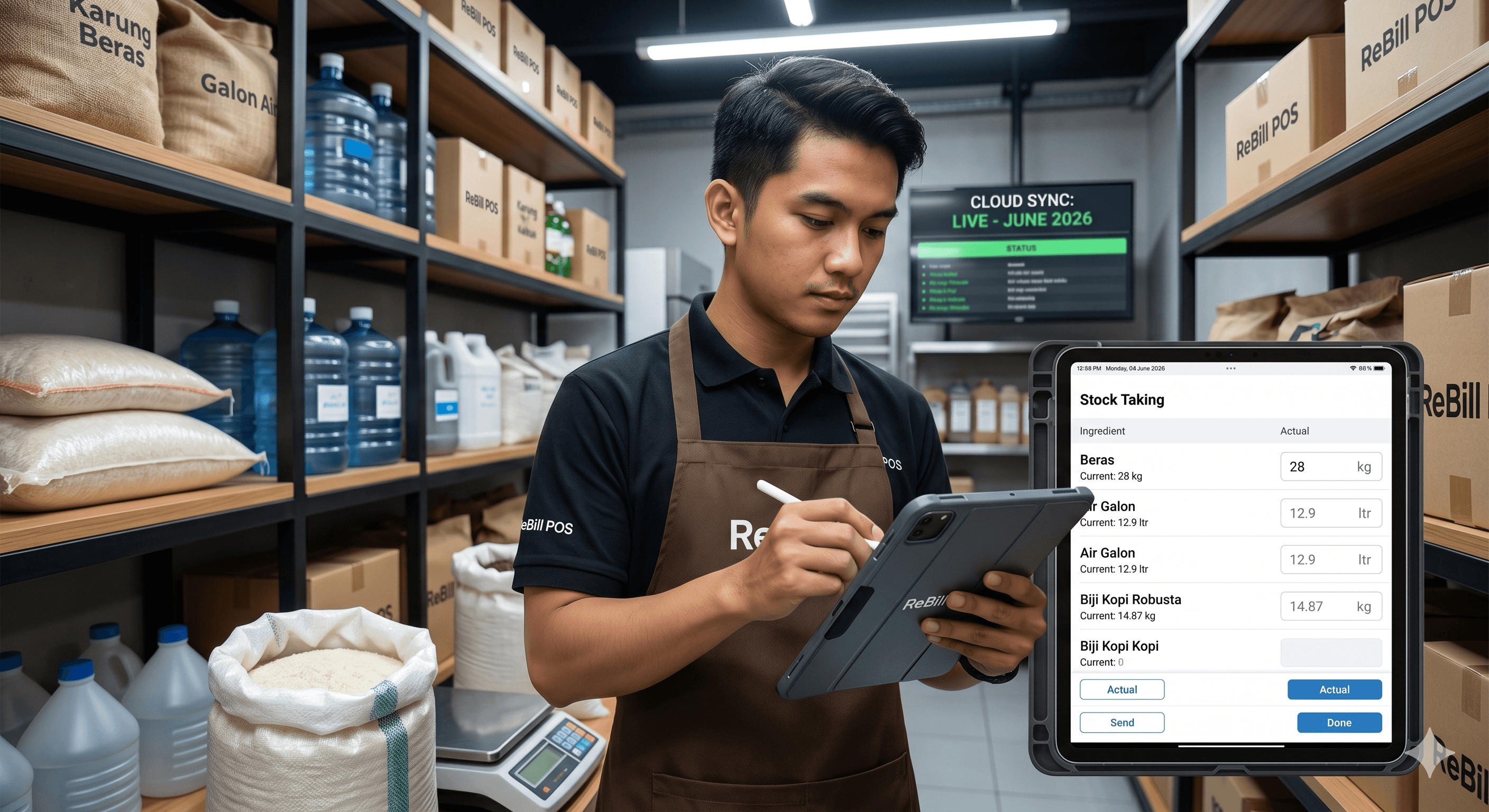
People who are still looking to download excel stock take applications or free inventory tracking applications will eventually realize their limitations as their business scales. You will start to need:
- Integrated POS systems with inventory features.
- Cloud inventory software or online inventory software.
- Cashier applications with inventory tracking for automatic sales synchronization and stock deduction.
- Multi-branch inventory applications if you have more than one store location.
- Android inventory applications or Android barcode stock take apps for counting via smartphone.
Whether you are looking for the best F&B POS software, cloud cashier systems for cafes, retail POS applications, store cashier and inventory software, or restaurant inventory applications, make sure you compare the cashier and inventory application prices that truly fit your budget and operational feature requirements.
🚀 ReBill POS: Your Inventory Management Ecosystem Solution
Read also: ReBill POS Review: A Newcomer Cashier Application That Elevates MSMEs
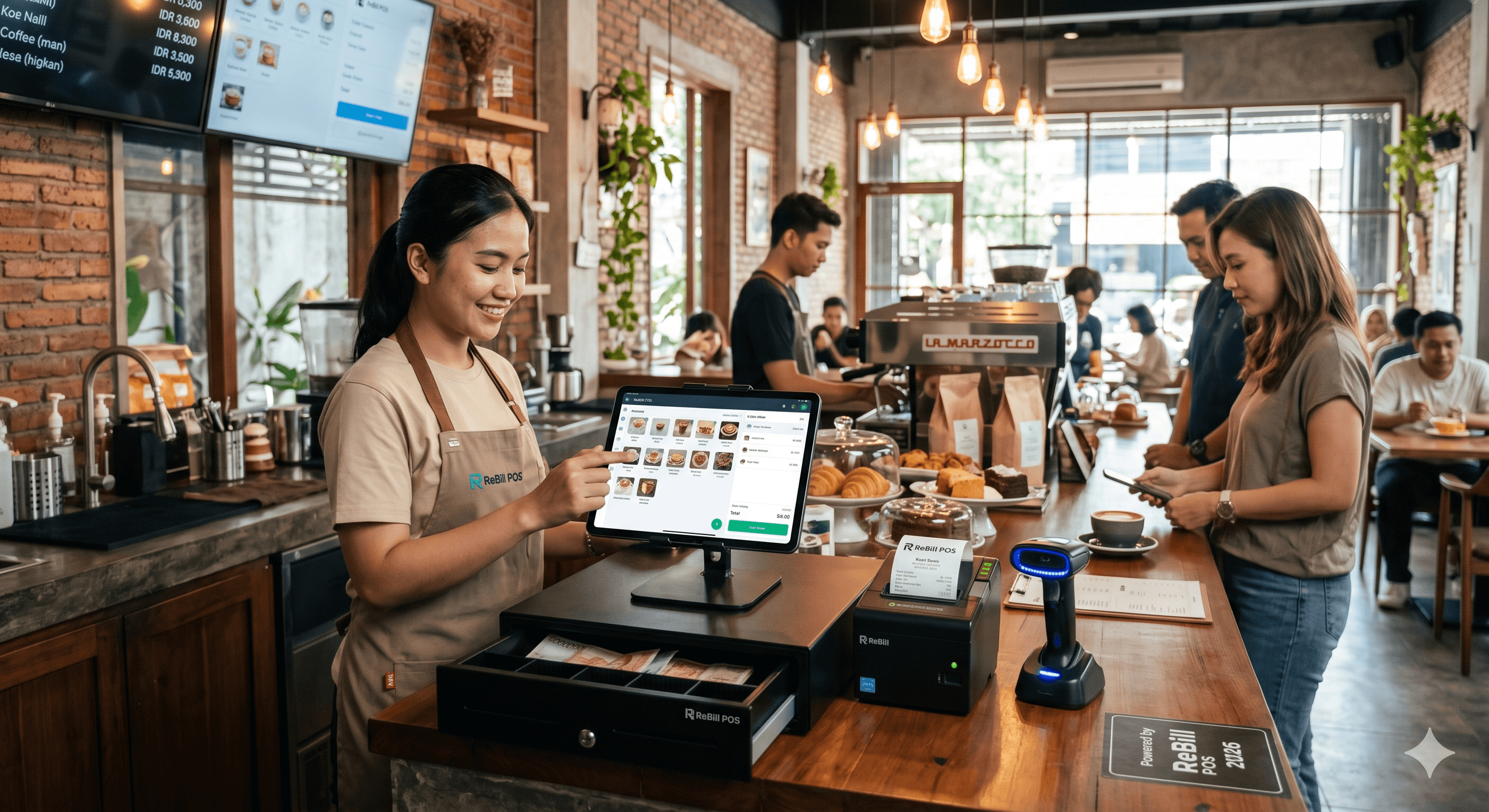
If you are looking for operational convenience, the ReBill POS stock take application is the most appropriate answer. Designed as a complete ecosystem, here are the core benefits of using ReBill POS:
- Practical: Learn how to do a practical stock take using ReBill and say goodbye to paper forms. You can directly execute how to input inventory in ReBill POS easily.
- Real-Time Monitoring: One of the main advantages of the ReBill inventory system is its live tracking feature. You are free to use how to monitor real-time stock in ReBill POS straight from your smartphone.
- Perfect for Culinary: As a ReBill cashier application for cafes, this software supports recipe raw material calculation (recipe management). It's incredibly ideal if you need ReBill POS for a coffee shop.
- Retail & Multi-Branch Solutions: You can utilize the ReBill retail POS application to manage thousands of barcode SKUs. ReBill multi-branch stock management allows you to seamlessly monitor multiple outlets from a single dashboard.
- Overcome Stock Discrepancies: The ReBill POS inventory feature is an effective stock discrepancy solution using ReBill. The entire cycle of goods coming in and out is recorded automatically by the ReBill POS cashier and inventory software.
Interested in trying ReBill POS inventory management? Make sure you read various ReBill POS cashier application reviews from fellow business owners and prove for yourself that the price of the ReBill POS cashier application is highly comparable to the value of efficiency, peace of mind, and asset security it provides.