Best POS System 2026: Complete Guide to Choosing a POS for SMEs, Cafes, Restaurants & Retail
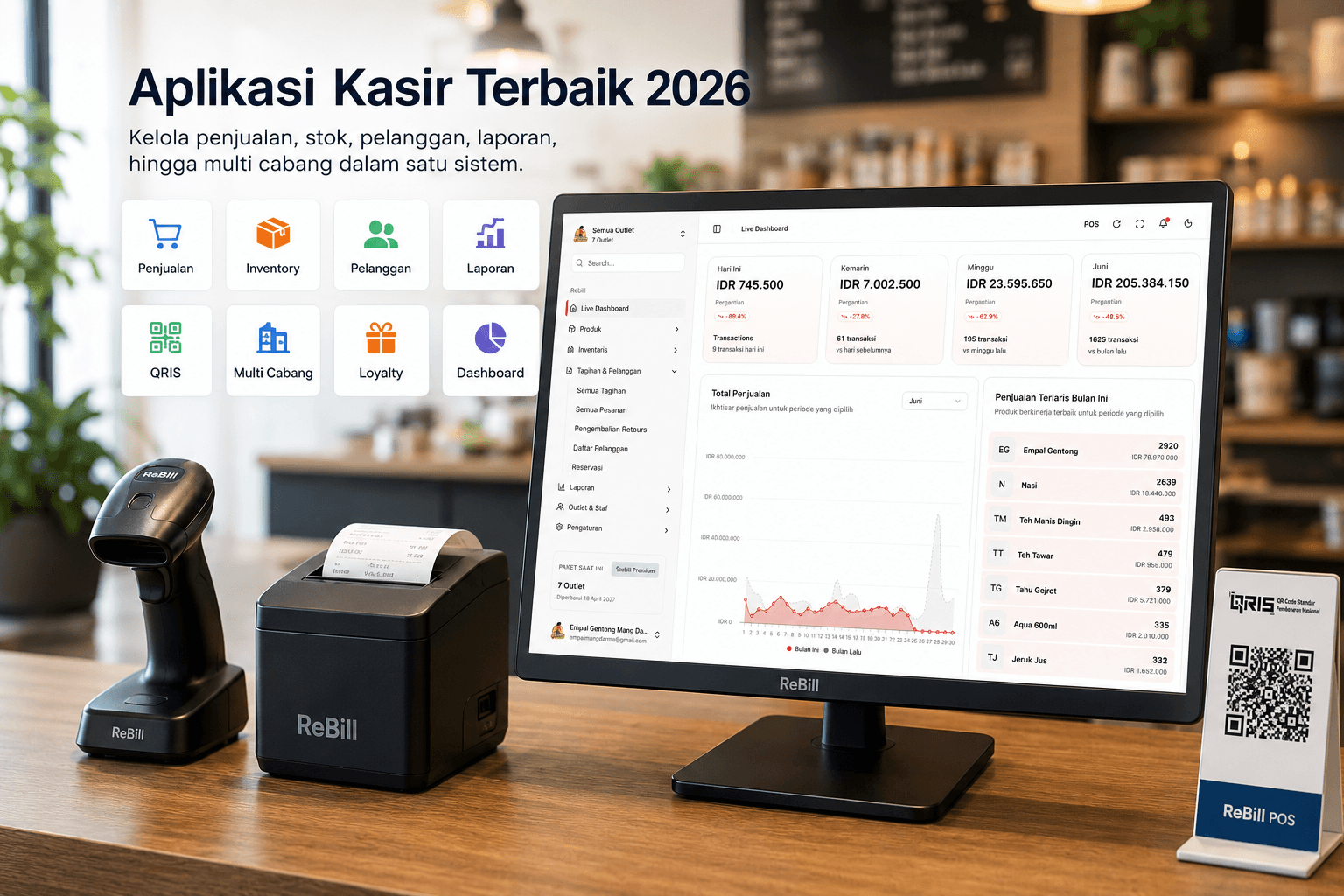
In this fast-paced digital era, having the best POS system 2026 is no longer just a complement, but rather the main foundation of business operations. Many entrepreneurs are beginning to realize that switching to the best cashier system can significantly increase efficiency, minimize financial leaks, and accelerate branch growth.
If you are currently looking for recommendations for the best POS application or want to know how to choose a POS system effectively, this guide will discuss everything comprehensively. Starting from the advantages of the best cloud POS, basic functions, to comparisons with well-known *brands* to make ReBill POS your ultimate business partner.
☁️ Cloud POS vs Offline POS: Why Choose Cloud?
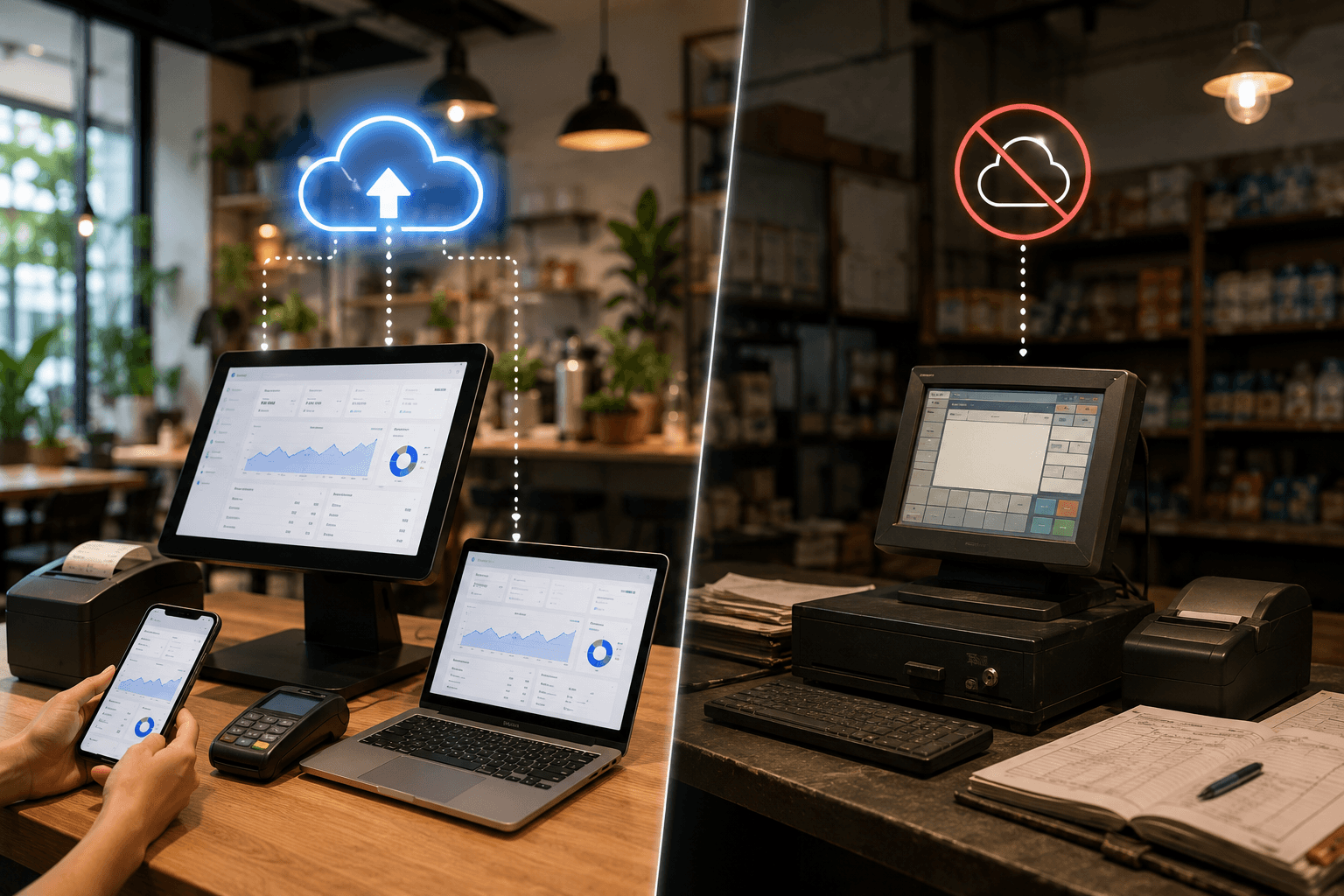
The debate between cloud POS vs offline POS has already been won by *cloud computing* technology. As a modern cashier application, a *cloud*-based system allows you to monitor your business from anywhere in *real-time*.
A cloud POS application stores data on secure internet *servers*, not on a physical machine at the counter. That is why the demand for cloud POS systems is currently skyrocketing. Whether you need a restaurant cloud POS, retail cloud POS, or cafe cloud POS, using a cloud cashier system provides vastly superior data protection.
As the cloud cashier software of the future, ReBill is present as the best cloud POS system specifically designed as a cloud POS for SMEs (Small and Medium Enterprises) aiming to scale up their business.
⚙️ Must-Have Features of the Best POS Application
Read also: 15 POS App Features You Must Check Before Buying
What exactly are the benefits of a POS application and its core functions? Everything relies heavily on the features offered. A solid digital cashier application must have the following series of features:
- Transactions & Payments: Must support integrated e-wallet/QR payments and integrate with a barcode scanner app to speed up the checkout process at the counter.
- Inventory Management: Inventory POS applications and stock tracking apps are highly vital to prevent stock discrepancies or lost items.
- Financial Recording: Sales report and bookkeeping features help generate automated profit and loss statements without the need for manual accounting.
- Customer Management: To increase customer retention, ensure there is a CRM POS application, loyalty program feature, as well as a points system within the membership POS app.
- Kitchen Operations: Specifically for F&B, the kitchen display system (KDS) feature is incredibly helpful for direct communication between cashiers and chefs.
🏢 POS Application Solutions Based on Industry
Read also: POS Applications for Coffee Shop Businesses 2026 — Including Cloud POS Trends
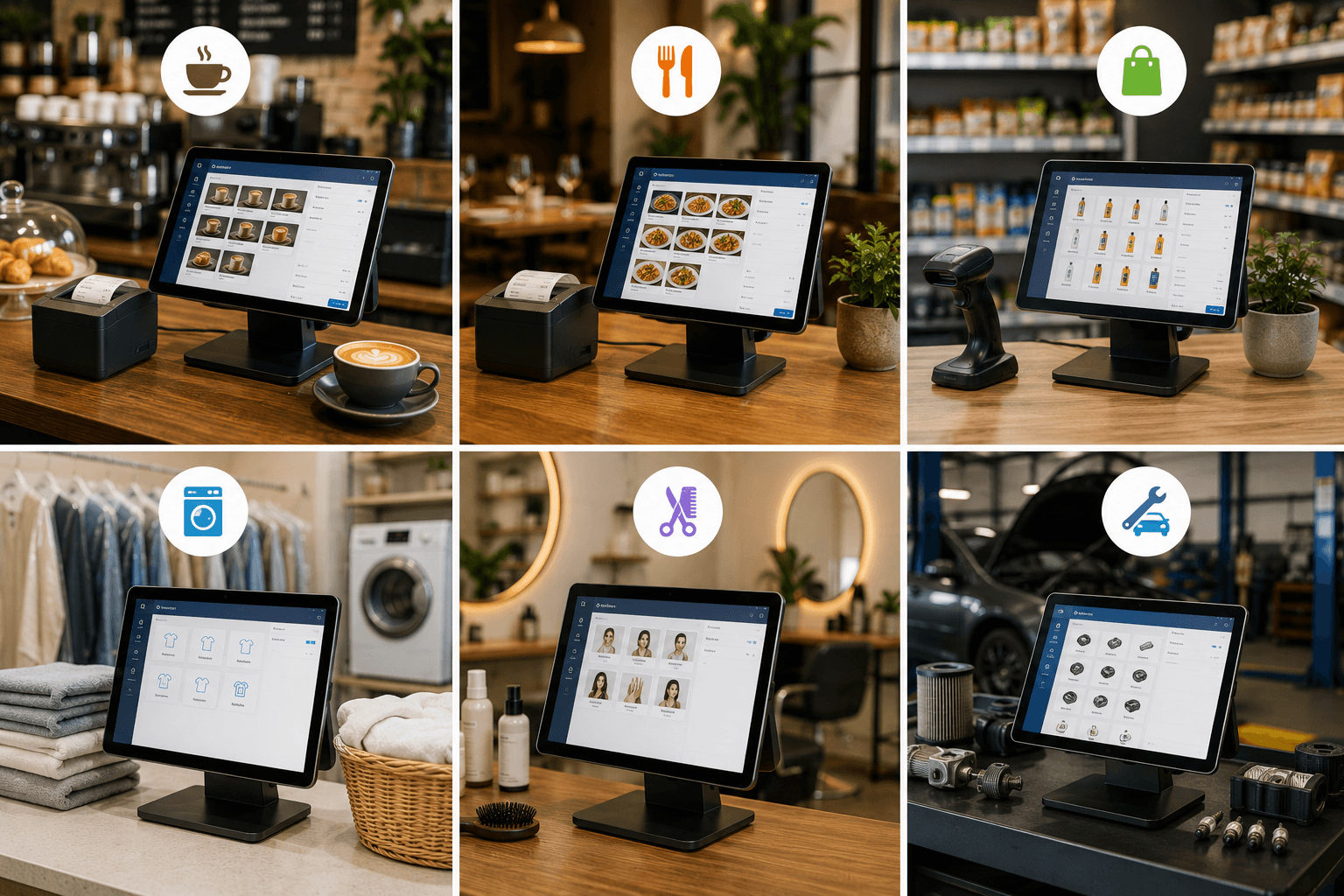
Online POS applications cannot be treated with a one-size-fits-all approach. A great POS software must be adaptable to the specific *workflow* of different industries.
1. F&B Industry (Cafes & Restaurants) The culinary business is highly dynamic. Choosing a cafe POS application or coffee shop POS means looking for a system that can manage raw material recipes, flavor variations, and *toppings*. ReBill is the best cafe POS and best cafe software to answer those needs. For a larger business scale, finding a reliable restaurant POS application or restaurant software is a must. As the best restaurant POS, features like table management and *online* order integration make ReBill a formidable restaurant cashier system, small restaurant POS, and online restaurant application.
2. Retail & Wholesale Industry To manage thousands of item SKUs, a retail POS application or retail software needs a fast scanning system. Whether it is a store POS app, grocery store POS, minimarket POS, or retail store software, the ability to handle *multi-pricing* (wholesale and retail prices) is heavily required.
3. Services (Laundry, Salon & Auto Workshops)
Service-based businesses need specialized modules:
- Laundry: Looking for a laundry POS application, laundry software, or laundry POS? You need a system that can calculate by kilogram weight and provide estimated completion times to make it the best laundry app.
- Salon & Beauty: A salon POS application or salon software must be able to set commissions for each *stylist* or barber. Using a salon POS from ReBill makes it the best salon app in its class.
- Automotive: For an auto workshop POS app, workshop software, and workshop POS, features for recording customer service history and a spare parts management app are the main keys to operations.
🌍 Managing a Franchise? Use a Multi-Outlet POS
If your business is growing, the best POS application you use must be capable of *scaling up*. This is where the role of a multi-branch POS application is desperately needed.
Managing dozens of store branches can no longer be done manually. You need a multi-outlet POS and franchise POS software. ReBill POS offers a centralized POS owner dashboard to simplify branch monitoring. As a multi-branch POS application and franchise POS, you can enjoy multi-branch inventory features, stock *transfers* between the headquarters and branches, as well as monitor multi-branch retail software and multi-branch cloud POS through just one screen.
⚖️ POS Software Comparison: Why Choose ReBill?
In the process of searching for the best POS software or POS software for SMEs, business owners often make comparisons. Many type comparison keywords into Google such as Moka vs Majoo, Moka vs Pawoon, to Moka vs Olsera.
Here is a summary of market analysis from various user reviews (such as Majoo reviews, Pawoon reviews, and Olsera reviews) and the main reasons why entrepreneurs seek alternatives:
| 2026 POS Market Comparison | Common Challenges Faced by SMEs | Solutions from ReBill POS |
|---|---|---|
| Moka vs ReBill | Searching for Moka alternatives because the monthly *subscription* costs and *add-on* features feel quite expensive for newly starting businesses. | ReBill offers a much more affordable pricing structure with premium features that are already bundled together (*all-in-one*). |
| Majoo vs ReBill | Many users compare Majoo vs Pawoon or Majoo vs Olsera, then look for Majoo alternatives because they need a lighter and faster User Interface (UI/UX) at the counter. | ReBill is designed with a highly responsive interface, smoothing out transactions at your *best point of sale* without any slow *loading* issues. |
| Pawoon vs ReBill | While weighing Pawoon vs Olsera or looking for Pawoon alternatives, users usually desire more seamless *multi-outlet inventory* integration. | ReBill's multi-branch inventory management is highly accurate, synced in *real-time*, and not prone to system *errors*. |
| Olsera vs ReBill | Some users look for Olsera alternatives (or compare Olsera vs Majoo / Olsera vs Pawoon) because they want deeper accounting report integration. | ReBill's financial statements and bookkeeping are fully integrated, providing a clear picture of profit margins automatically without the headache. |
💡 POS Application Pricing: Free vs Paid
Many new entrepreneurs are trapped in the dilemma of choosing between free vs paid POS applications. Free apps might look appealing at first, but they often lock your data, limit the daily transaction volume, or have weak server security systems.
Knowing the true investment cost through POS application fees and cashier app prices is a critical step. Compared to bearing the risk of data loss or inventory leaks, investing in the premium (paid) version of the best POS application 2026 like ReBill POS will provide extra protection, 24/7 *customer support*, and guaranteed security for your business data.
Be a part of the future business ecosystem. Start your digital transition today and experience the convenience of managing transactions, inventory stock, right down to customer loyalty with ReBill POS.