SAVE PAPER & MONEY! How to Send Receipts/Invoices via WhatsApp to Customers
Read Also: How to Set Up Tax & Service Charges on POS Receipts (So You Don’t Get Penalized by the Tax Office)
Today’s customers prefer fast, practical, and fully digital services — including shopping receipts. In the past, receipts were always printed using thermal paper. Now, many businesses are switching to digital receipts sent directly to customers via WhatsApp.
Not only does this look more modern, but it also helps reduce operational costs, keeps records organized, and supports an environmentally friendly business model.
In this article, you’ll learn how to send receipts via WhatsApp using different methods — plus professional tips to make your business more efficient, especially when using a POS system like ReBill POS.
---
Why Sending Receipts via WhatsApp Is More Profitable
Before diving into the steps, let’s explore why digital receipts are becoming popular among SMEs and retail/F&B businesses.
1) Save Paper & Printing Costs
Thermal receipts may seem cheap, but with high daily transactions, paper costs add up significantly.
With digital receipts, you reduce:
- Thermal paper purchases
- Printer maintenance issues
- Hardware servicing costs
Result: lower expenses and more efficient operations.
---
2) Faster Transaction Process
Sending a receipt via WhatsApp takes only seconds. Customers don’t need to wait for printing — especially helpful during peak hours.
---
3) More Professional & Modern Image
Businesses offering digital receipts appear:
- More organized
- More modern
- More trustworthy
Perfect for:
- Coffee shops
- Restaurants
- Retail stores
- Mini markets
- Barbershops
- Salons
- Laundry services
- And other SMEs
---
4) More Secure (No Risk of Loss)
Paper receipts can:
- Get lost
- Fade over time
- Be damaged by water or heat
Digital receipts stay safely stored in customers’ WhatsApp chats.
---
5) Eco-Friendly & Paperless
Reducing paper supports a paperless business model, improving your brand image and sustainability efforts.
---
How to Send Receipts/Invoices via WhatsApp
Here are several methods you can choose based on your business needs.
Read Also: 10 Must-Have Features in a Restaurant POS System to Increase Profitability
---
Method 1: Manual Receipt (Handwritten + Photo)
This is the simplest method, commonly used by small businesses.
Steps:
1. Write the receipt manually 2. Take a photo 3. Open customer’s WhatsApp 4. Send the image
Example message:
“Thank you for shopping 😊 Here is your receipt.”
Pros:
- Easy
- No additional apps needed
Cons:
- Prone to writing errors
- Not professional
- No automatic sales reporting
- Difficult for bookkeeping
---
Method 2: Send Receipt via Excel/Word
If you use a laptop, this is a more professional option.
Steps:
1. Create receipt template in Excel/Word 2. Input product details manually 3. Save as PDF or screenshot 4. Send via WhatsApp
Pros:
- Neater than handwritten notes
- Can be saved digitally
Cons:
- Manual input
- Time-consuming during busy hours
- No automatic stock tracking
---
Method 3: Send Automatic Digital Receipts from POS (Fastest & Most Practical)
The most efficient method is using a POS system that automatically generates digital receipts.
Typically, digital receipts include:
- Store name
- Transaction date & time
- Item list
- Subtotal & total
- Payment method (cash/QRIS/debit)
- Cashier/outlet name
And most importantly — the receipt can be instantly shared with customers.
---
Send Digital Receipts Easily with ReBill POS
If you want automatically generated, professional digital receipts without manual typing, consider using ReBill POS.
With ReBill POS, you can:
- Input products once (name, price, category)
- Speed up transactions
- Calculate totals automatically
- Generate organized sales reports
- Track inventory
- Instantly share digital receipts with customers
Simple Workflow:
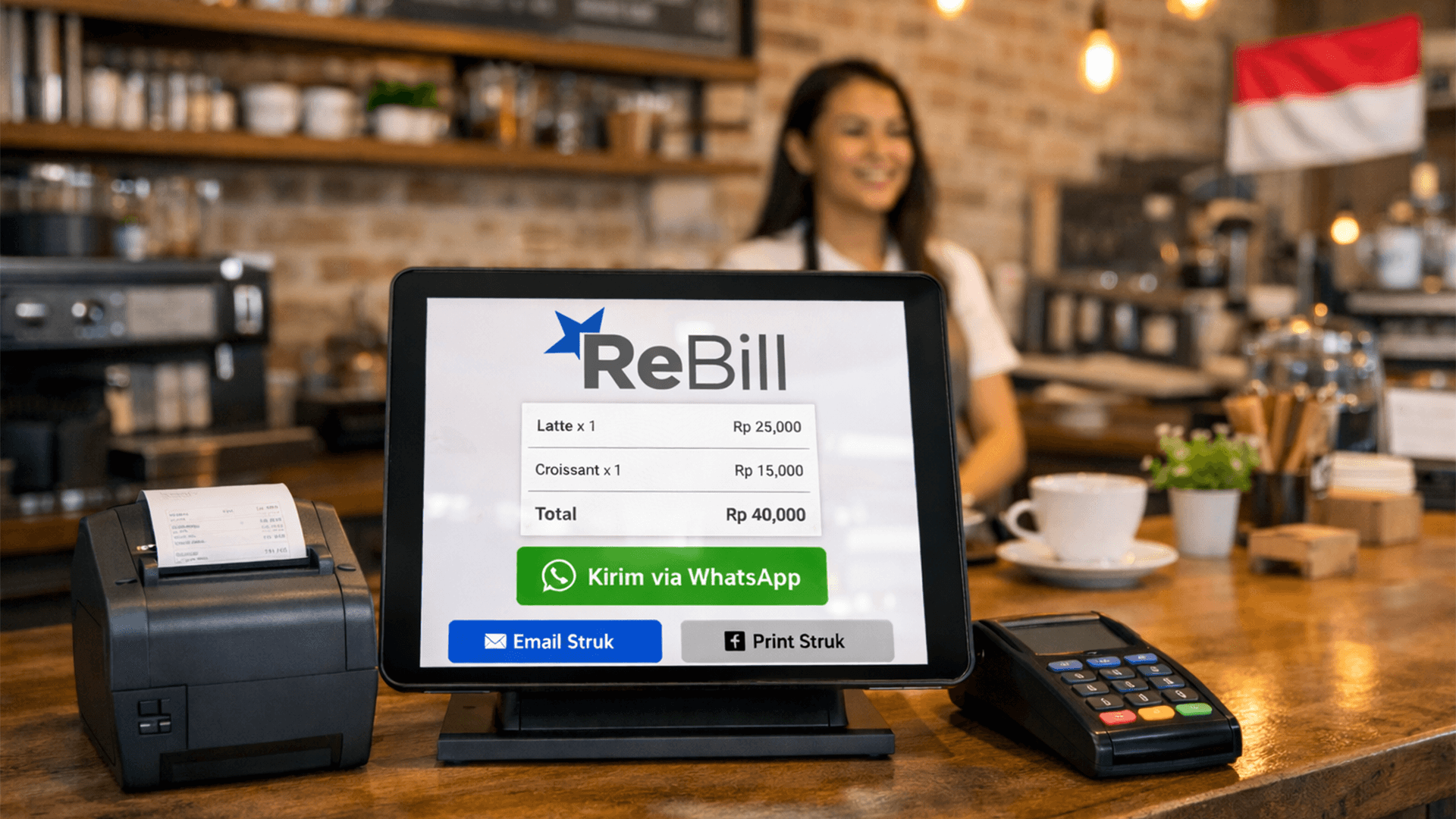
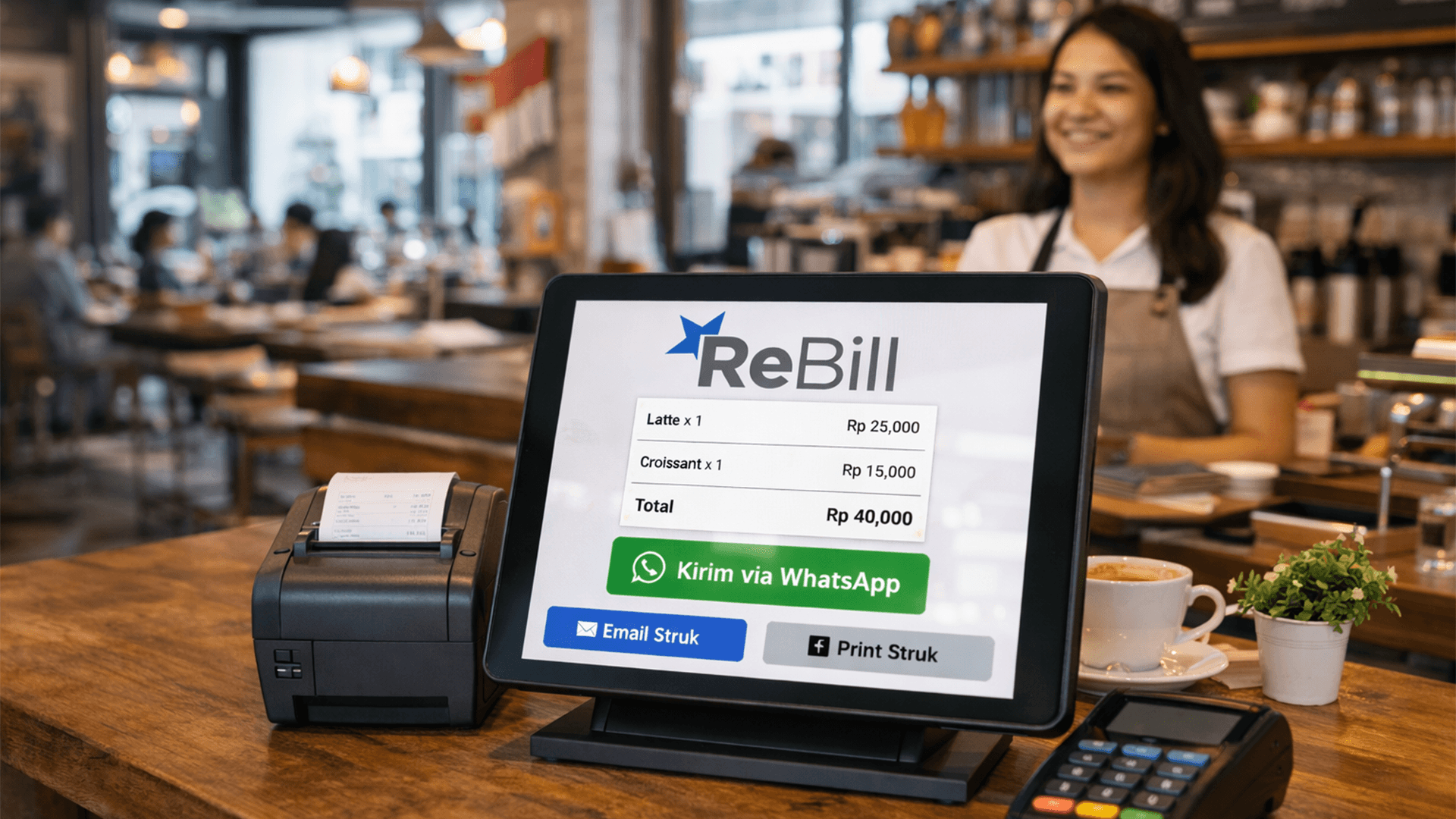
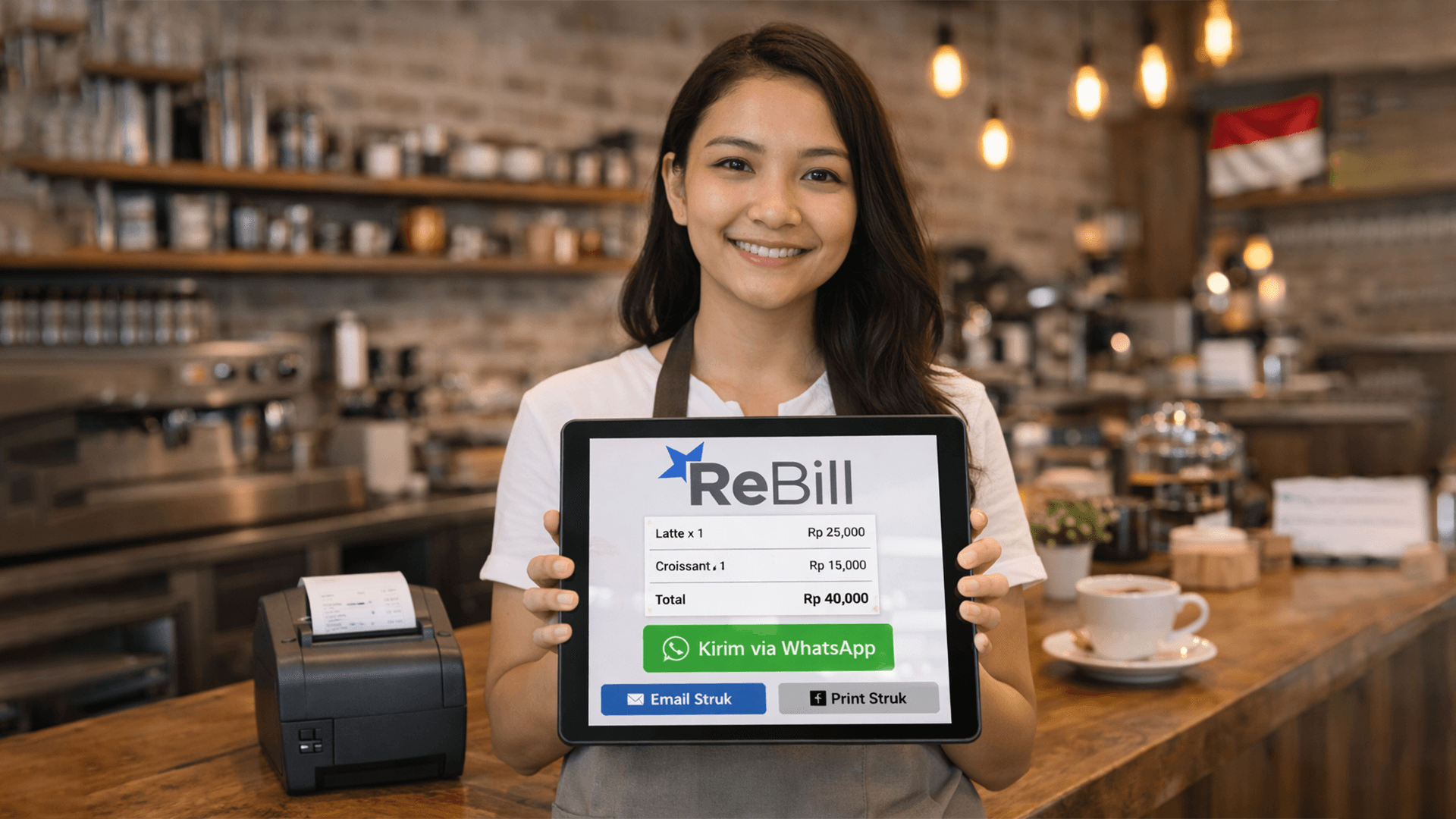
1. Cashier inputs transaction in ReBill POS 2. Click finish/payment 3. Digital receipt is automatically generated 4. Share via WhatsApp
This keeps your business cost-efficient while delivering excellent service.
---
Tips to Make WhatsApp Receipts Look More Professional
To improve customer experience and build trust:
1) Use Message Templates
Example:
“Thank you for shopping at [Store Name] 😊 Here is your receipt. Feel free to contact us anytime.”
---
2) Confirm Customer’s WhatsApp Number
Quickly confirm:
“Is this the correct WhatsApp number?”
---
3) Send Immediately After Payment
The faster the receipt is delivered, the better the customer experience.
---
4) Add Soft Promotion
Example:
“This week, enjoy 10% off your next purchase 😊”
A subtle but effective upselling strategy.
---
FAQ (Frequently Asked Questions)
Read Also: How to Set Up QRIS for Restaurants in 2025: Complete Guide
Is sending receipts via WhatsApp safe? Yes, as long as you send them to the correct number and protect customer data.
Can I operate without a receipt printer? Absolutely. Digital receipts eliminate the need for printing.
Which is better: paper or digital receipts? If your goal is efficiency and cost savings → digital receipts. If some customers still prefer physical copies → offer both options.
---
Conclusion
Sending receipts via WhatsApp is a simple step with a big impact on your business.
Benefits:
- Save paper
- Reduce costs
- Faster transactions
- Higher customer satisfaction
- Modern business image
For the most practical and professional solution, use a POS system like ReBill POS to automatically generate and share digital receipts via WhatsApp.
👉 ReBill POS — affordable, efficient, and trusted digital cashier solution for smart businesses in Indonesia.
Try ReBill POS for Free and experience how ReBill POS helps your business grow without limits.
Book a Free Demo of ReBill POS today and see the difference yourself. If you’re ready to implement ReBill POS in your business, you can directly contact ReBill POS.